Wireless network setup
91
2. Using a Network-Connected Machine (B1160w only)
Ad hoc via USB cable in Windows
If you do not have an access point (AP), you may still connect the machine
wirelessly to your computer by setting up an ad-hoc wireless network by
following the simple steps below.
• Items to prepare
- Network-connected computer
- Software CD that was provided with your machine
- The machine installed with a wireless network interface
-USB cable
1
Check whether the USB cable is connected to the machine.
2
Turn on your computer and the wireless network machine.
3
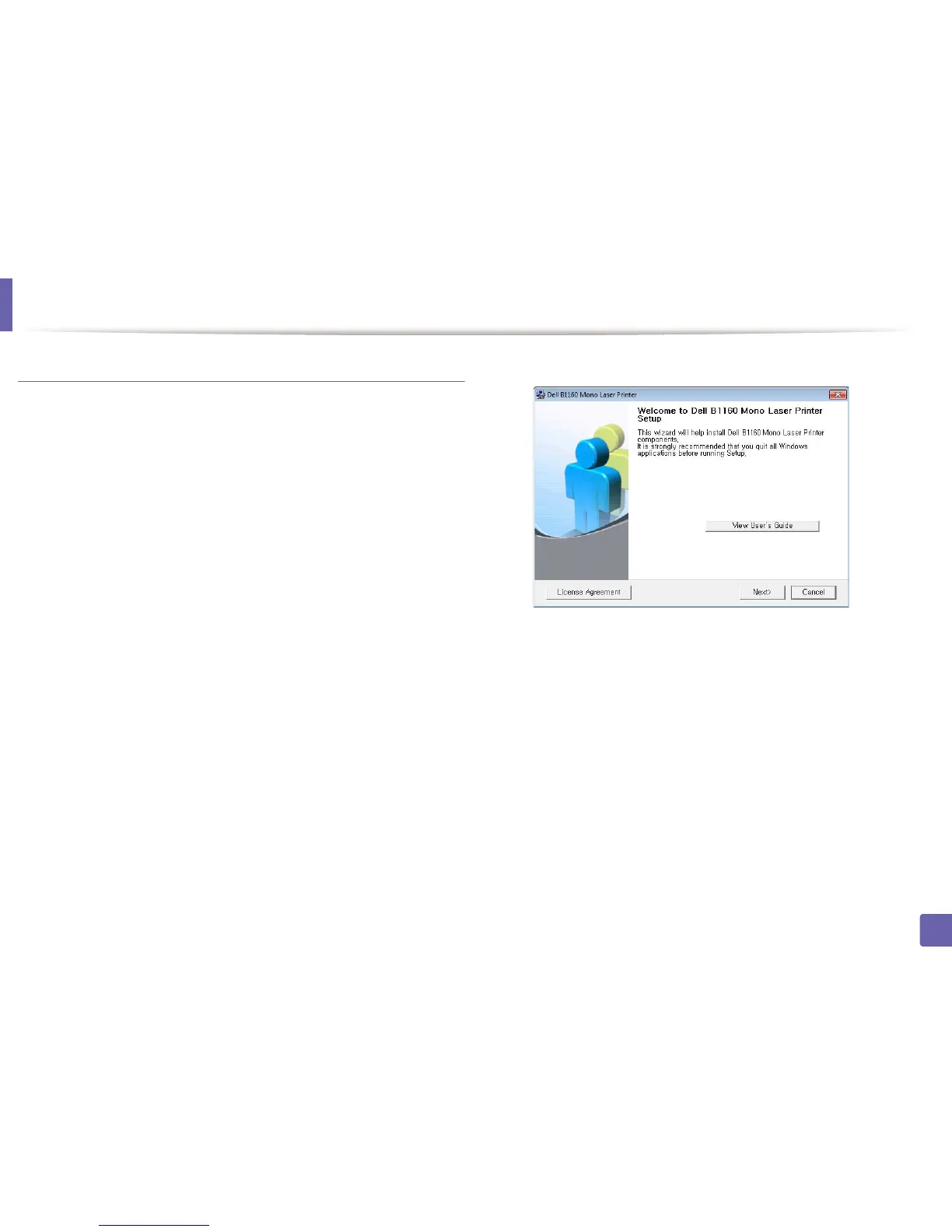
Insert the supplied software CD into your CD-ROM drive.
The software CD should automatically run and an installation window
will appear.
If the installation window does not appear, click Start > All programs >
Accessories > Run.
X:\Setup.exe replacing “X” with the letter, which represents your CD-
ROM drive and click OK.
4
Select Next.















 To Next Page