44 | Operating the Display
Icon Menu and
Submenus
Description
Reset Display Restores the display settings to factory defaults.
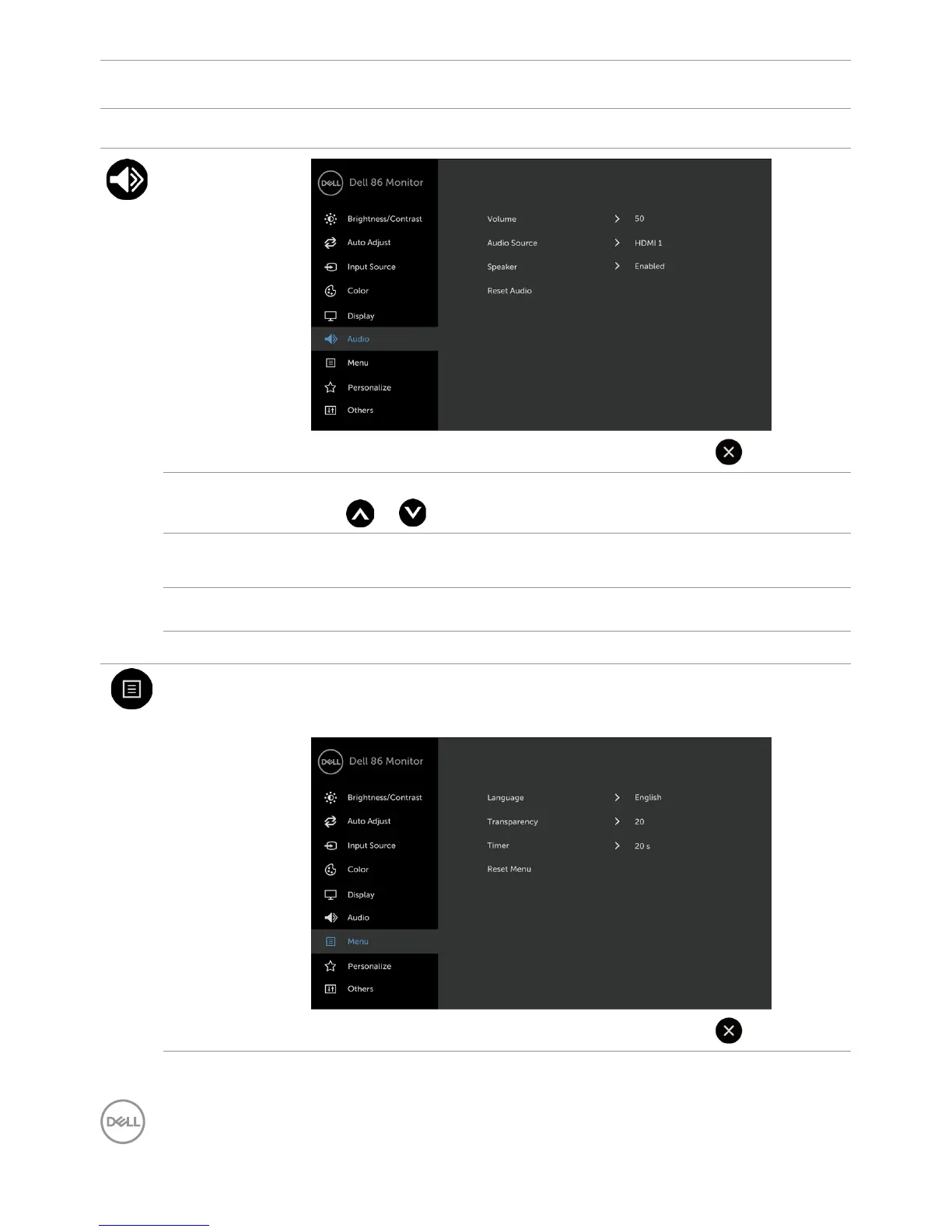
Audio
Volume Allows you to set the volume level of audio source.
Use or to adjust the volume level from ‘0’ to ‘100’.
Audio Source Allows you to set the audio source to PC Audio or
HDMI/DP.
Speaker Allows you to enable or disable Speaker function.
Reset Audio Select this option to restore default audio settings.
Menu Select this option to adjust the settings of the OSD, such as, the
languages of the OSD, the amount of time the menu remains on
screen, and so on.



 To Next Page