Operating the Display | 45
Icon Menu and
Submenus
Description
Language Set the OSD display to one of eight languages.
(English, Spanish, French, German, Brazilian Portuguese, Russian,
Simplified Chinese, or Japanese).
Transparency
Select this option to change the menu transparency by using
and icons (min. 0 / max. 100).
Timer OSD Hold Time: Sets the time the OSD remains active after you
press a button.
Use the and icons to adjust the slider in 1-second
increments, from 5 to 60 seconds.
Reset Menu
Restore the menu settings to factory defaults.
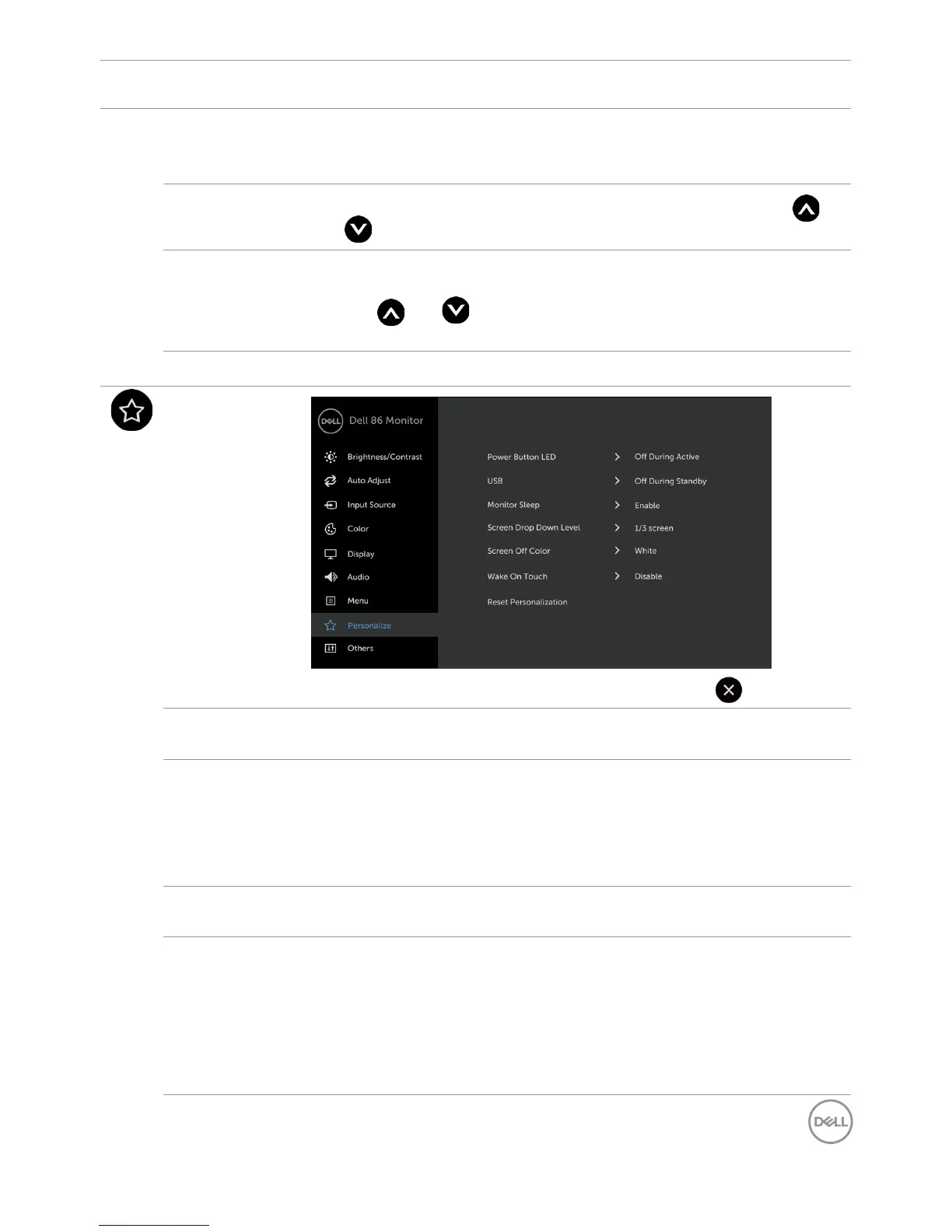
Personalize
Power Button
LED
Allows you to set the state of the power light to save energy.
USB Allows you to enable or disable USB function during display standby
mode.
NOTE: USB ON/OFF under standby mode is only available when
the USB upstream cable is unplugged. This option will be greyed
out when the USB upstream cable plugs in.
Monitor
Sleep
Select Disable to turn off this feature.
Screen Drop
Down Level
Allows you to set the Screen Drop Down level so that you can reach
the top of the image.
Drop Down Level Options:
- 1/2 Screen
- 1/3 Screen
- 2/3 Screen



 To Next Page