Understanding Your Printer Software 575
FILE LOCATION: C:\Users\fxstdpc-
admin\Desktop\0630_UG??\Mioga_AIO_UG_FM\Mioga_AIO_UG_FM\section23.fm
DELL CONFIDENTIAL – PRELIMINARY 9/13/10 - FOR PROOF ONLY
Printer Status Image Area
• Current Toner Status icons
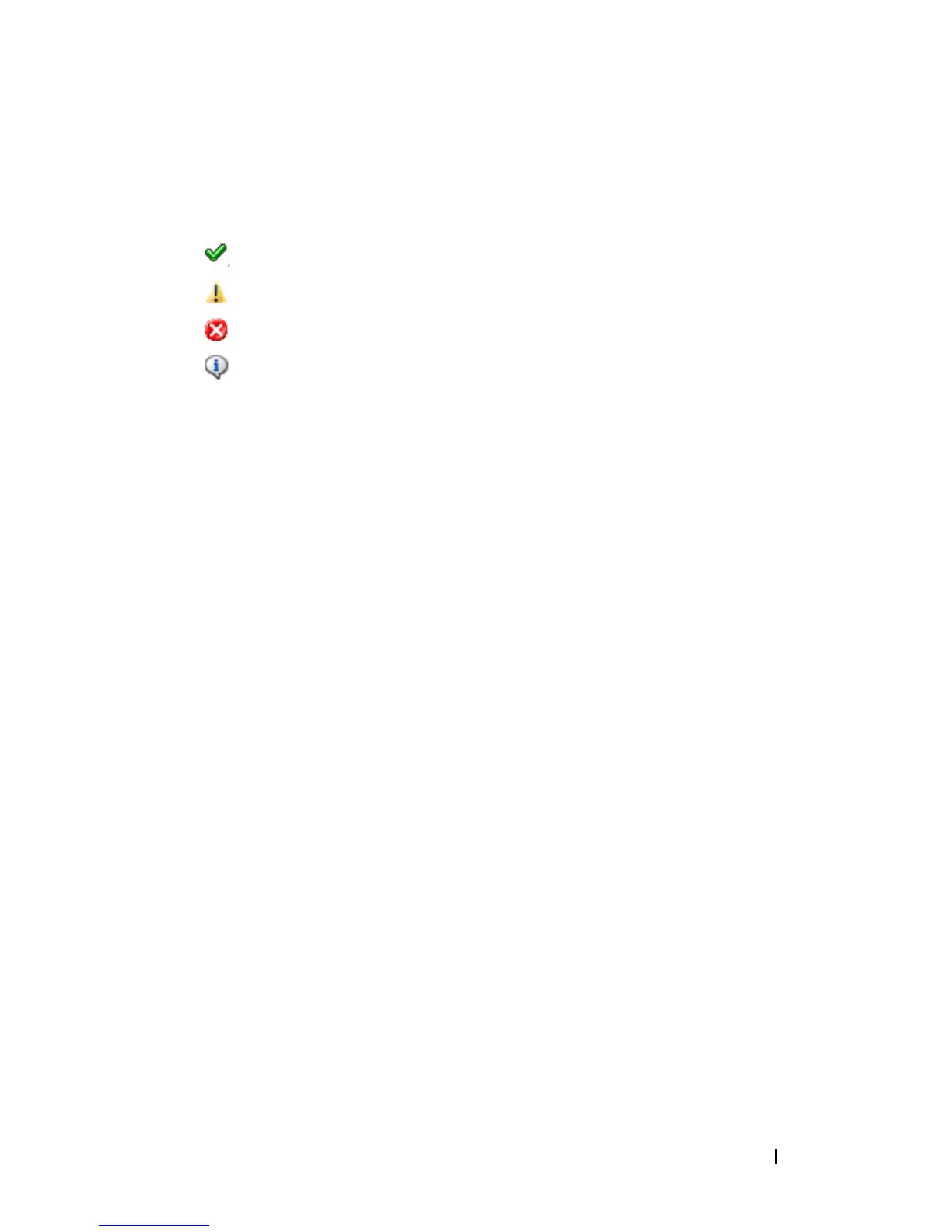
Displays icons of the current status of each toner.
The toner level is more than 30%.
The toner level is less than 29%.
The toner level is less than 9%.
The toner level is unknown.
• Estimated Toner Level images
Keeps you informed about the amount of toner that remains for each color.
Toner Alert
Displays an alert message when any remaining toner is low, empty, or unknown.
Order Online
•
Order Supplies Online
button
Click this button to access the web site for ordering Dell printer supplies.
This button appears when the amount of toners becomes less than 30%.
Refresh button
Click this button to update the status of the printer.
Close button
Click this button to close the Printer Status window.
Dell Supplies Management System Window
This window provides you with the information for ordering printer supplies by
telephone or from the web site.
To open the Dell Supplies Management System window:
1
Click
Order Supplies Online
button in the
Printer Status
window.
OR
Click
Dell Printers
Dell Supplies Management System
.















 To Next Page