Clearing Jams 661
FILE LOCATION: C:\Users\fxstdpc-
admin\Desktop\0630_UG??\Mioga_AIO_UG_FM\Mioga_AIO_UG_FM\section30.fm
DELL CONFIDENTIAL – PRELIMINARY 9/13/10 - FOR PROOF ONLY
Clearing Paper Jams From the ADF
When a document jams while it passes through the Automatic Document Feeder
(ADF), remove the jam according to the following procedure.
NOTE: To prevent document jams, use the document glass for thick, thin, or
mixed documents.
NOTICE: Protect the drums of the Print Head Device (PHD) against bright light.
If the front cover remains open for more than three minutes, print quality may
deteriorate.
1
Remove the remaining documents from the ADF.
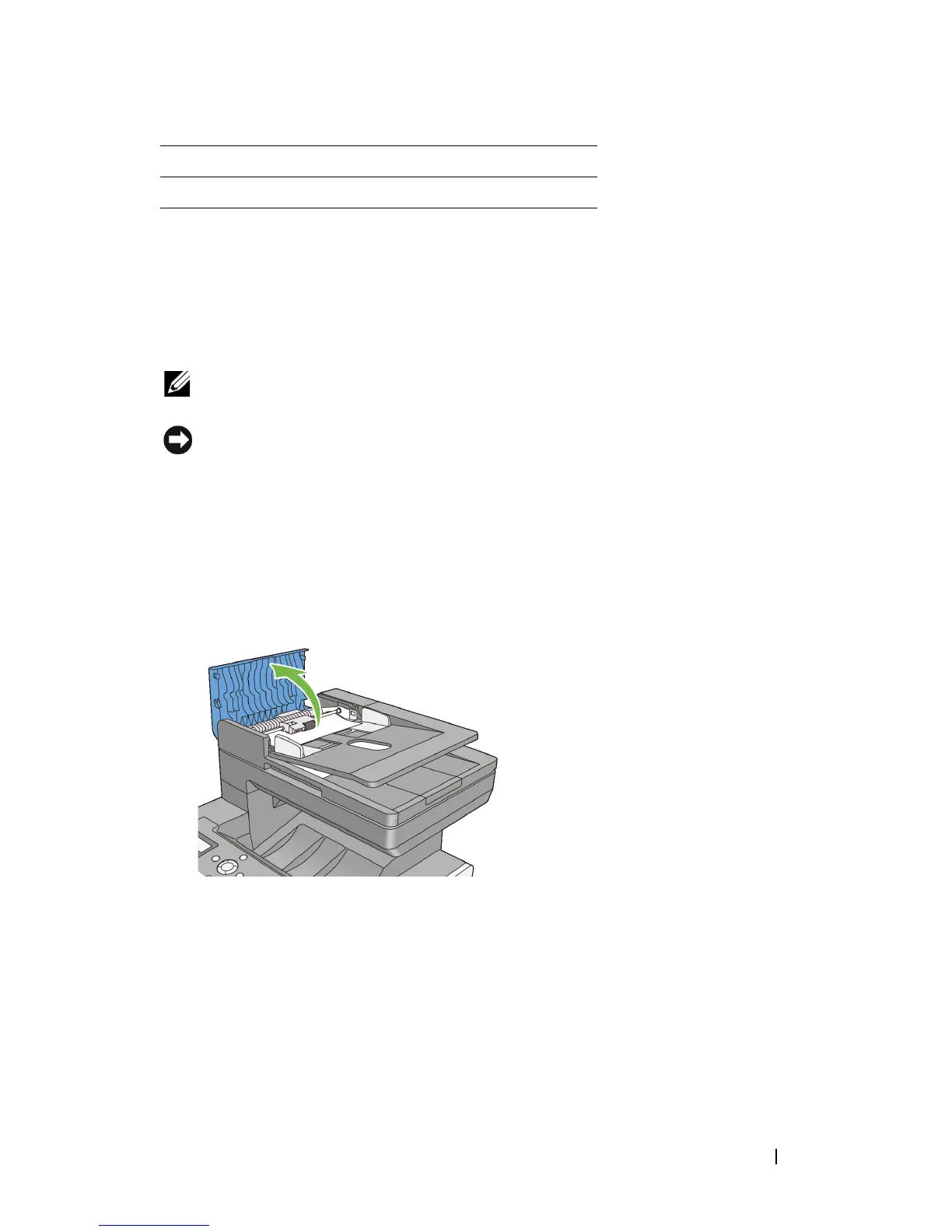
If the document is jammed in the paper feed area:
a
Open the ADF cover.
b
Lift the release lever 90 degrees and remove the jammed document by
carefully pulling it to the right.
5 Single Sheet Feeder (SSF)
6 Standard 250-Sheet Tray















 To Next Page