Clearing Jams 669
FILE LOCATION: C:\Users\fxstdpc-
admin\Desktop\0630_UG??\Mioga_AIO_UG_FM\Mioga_AIO_UG_FM\section30.fm
DELL CONFIDENTIAL – PRELIMINARY 9/13/10 - FOR PROOF ONLY
2
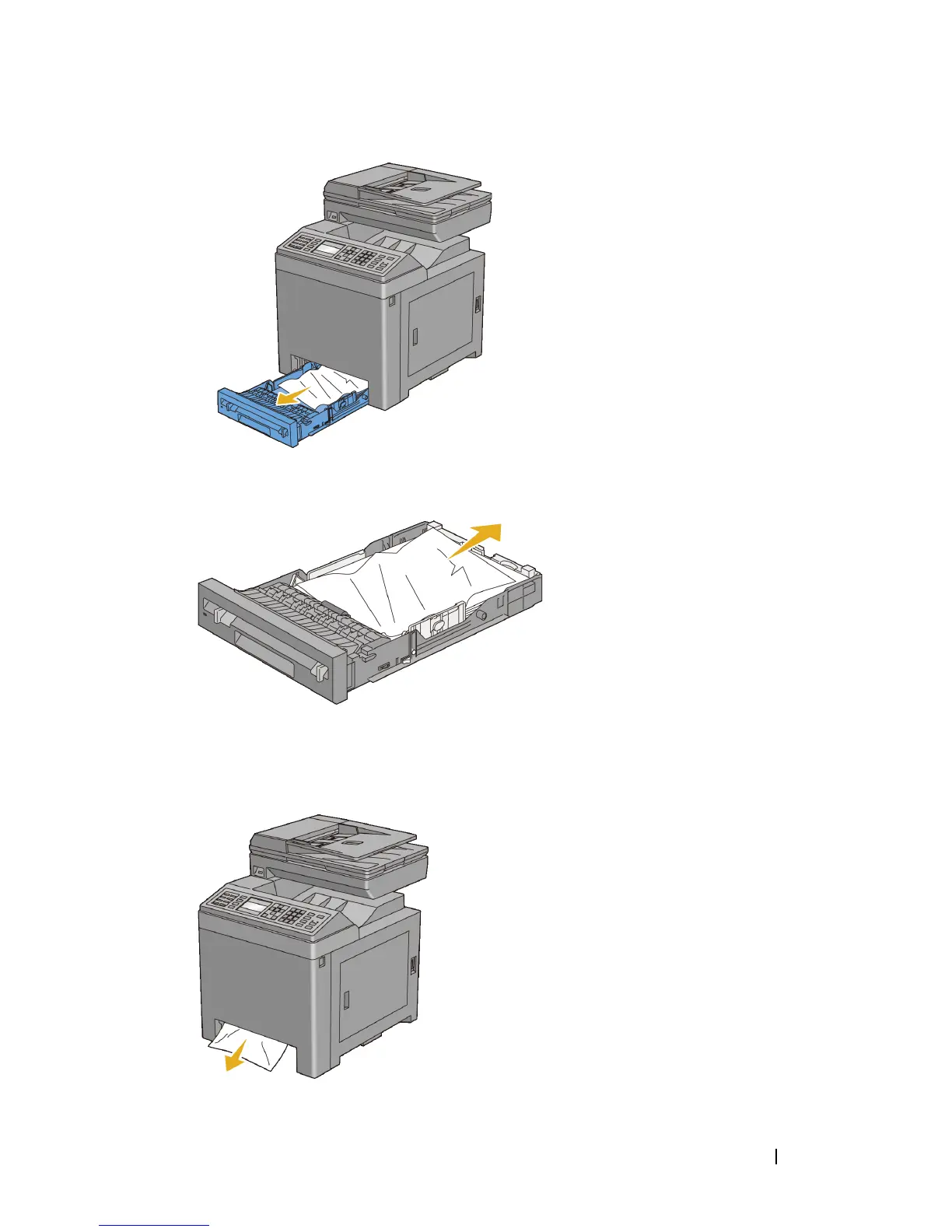
Remove all the jammed and/or creased paper from the tray.
3
Pull the jammed paper out carefully to avoid tearing it. If you are still unable
to remove the paper, go to the next step to remove the jammed paper from the
inside of the printer.
4
Push the side button to open the front cover.















 To Next Page