74 Installing Optional Accessories
4
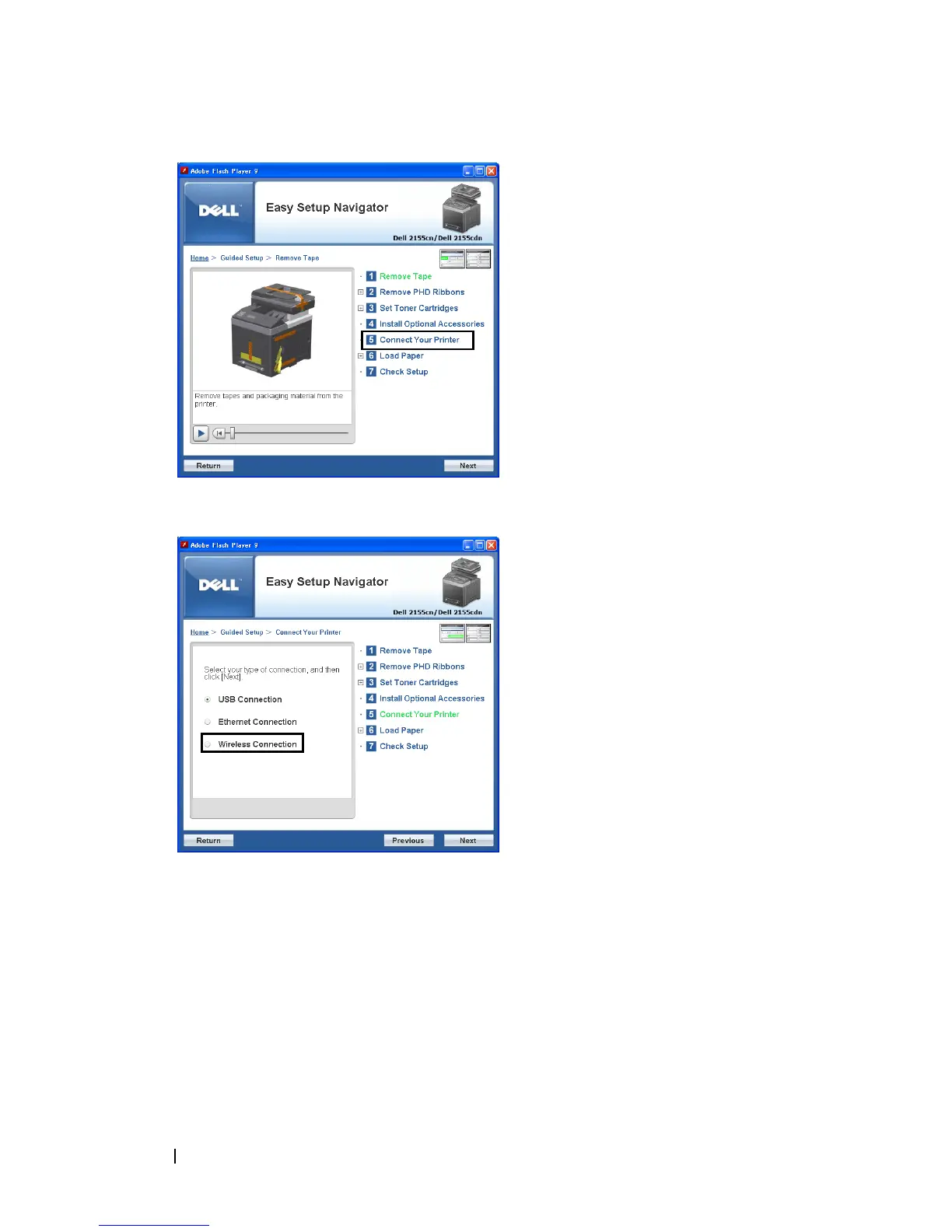
Select
Wireless Connection
, and then click the
Next
button.
The
Wireless Connection
window appears.
For Network, follow the on-screen instructions to configure wireless settings.
1
Select
Network Cable
, and then click the
Next
button.
The instruction video starts.
Follow the on-screen instructions to configure wireless settings, and then
click the
Next
button.
The
Advanced Configuration Tool
starts.















 To Next Page