Installing Optional Accessories 87
3
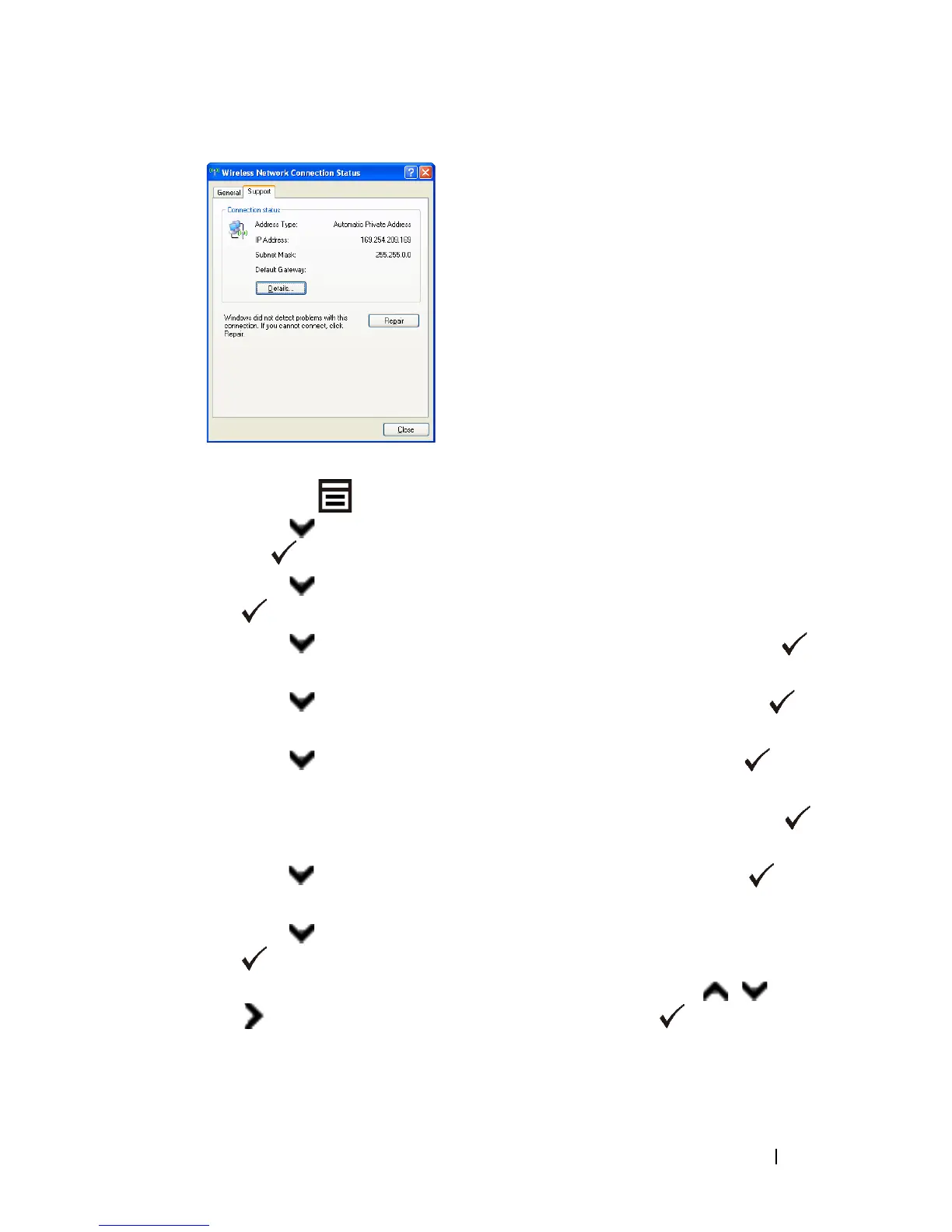
Set the IP address on the printer.
a
Press the
(Menu)
button.
b
Press button until
System Setup
is highlighted, and then press
the
(Set)
button.
c
Press button until
Admin menu
is highlighted, and then press the
(Set)
button.
d
Press button until
Network
is highlighted, and then press the
(Set)
button.
e
Press button until
TCP/IP
is highlighted, and then press the
(Set)
button.
f
Press button until
IPv4
is highlighted, and then press the
(Set)
button.
g
Ensure that
Get IP Address
is highlighted, and then press the
(Set)
button.
h
Press button until
Panel
is highlighted, and then press the
(Set)
button.
i
Press button until
IP Address
is highlighted, and then press the
(Set)
button.
j
Manually enter the IP address using the numeric keypad, , , and
button on the operator panel, and then press the
(Set)
button.
4
Open
Dell Printer Configuration Web Tool
using the WEB browser.















 To Next Page