Connecting Your Printer 93
• Windows 7
• Windows 7 64-bit Edition
• Mac OS X 10.3.9/10.4.11/10.5/10.6
•Red Hat
®
Enterprise Linux
®
4 WS/5 Client (x86)
•SUSE
®
Linux Enterprise Desktop 10/11 (x86)
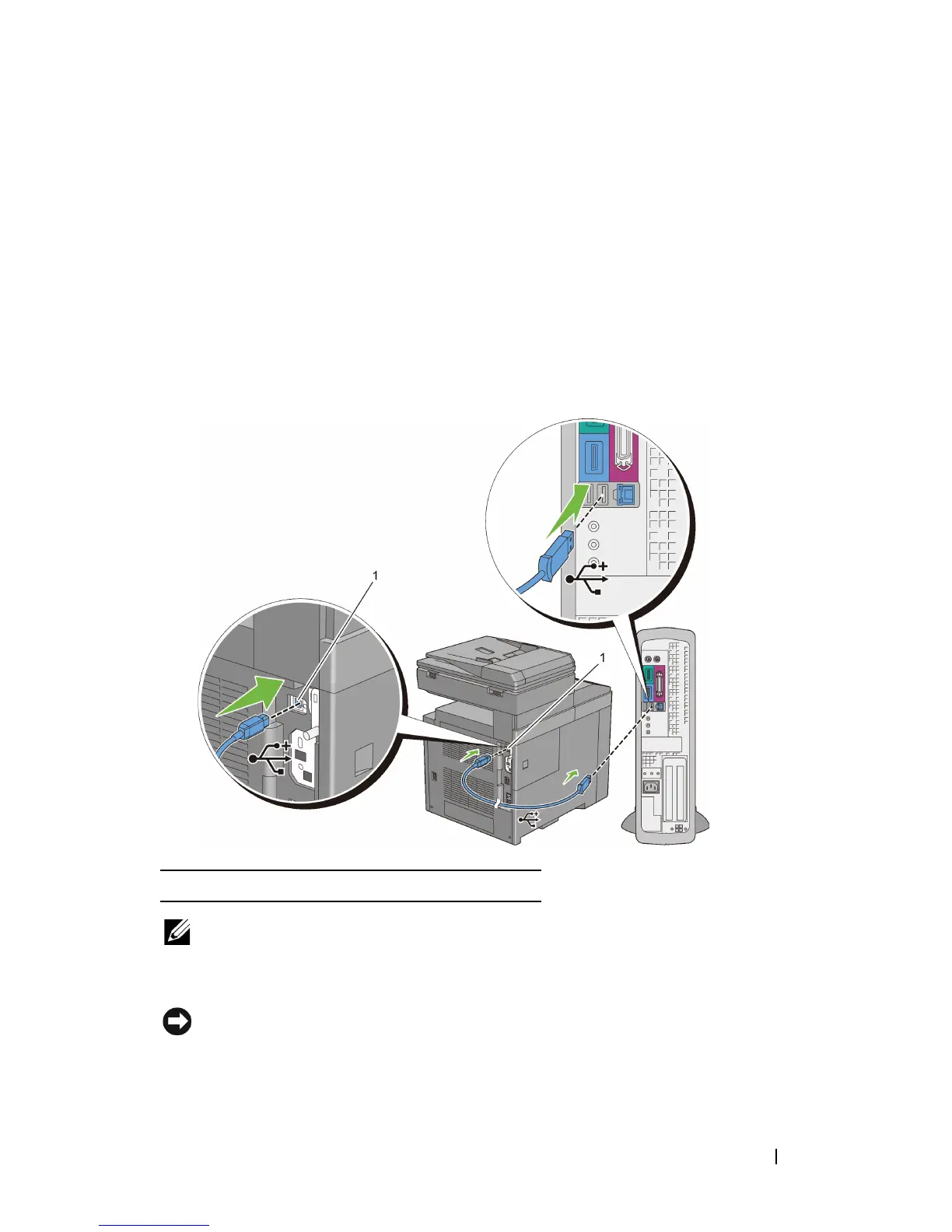
To connect the printer to a computer:
1
Connect the smaller USB connector into the USB port at the back of the
printer.
NOTE: Ensure that you match the USB symbol on the cable to the USB symbol
on the printer.
2
Connect the other end of the cable into a USB port of the computer.
NOTICE: Do not connect the printer USB cable to the USB port available on the
keyboard.
1 USB port















 To Next Page