12 Using On Screen Display (OSD) Functions
Using On Screen Display (OSD) Functions
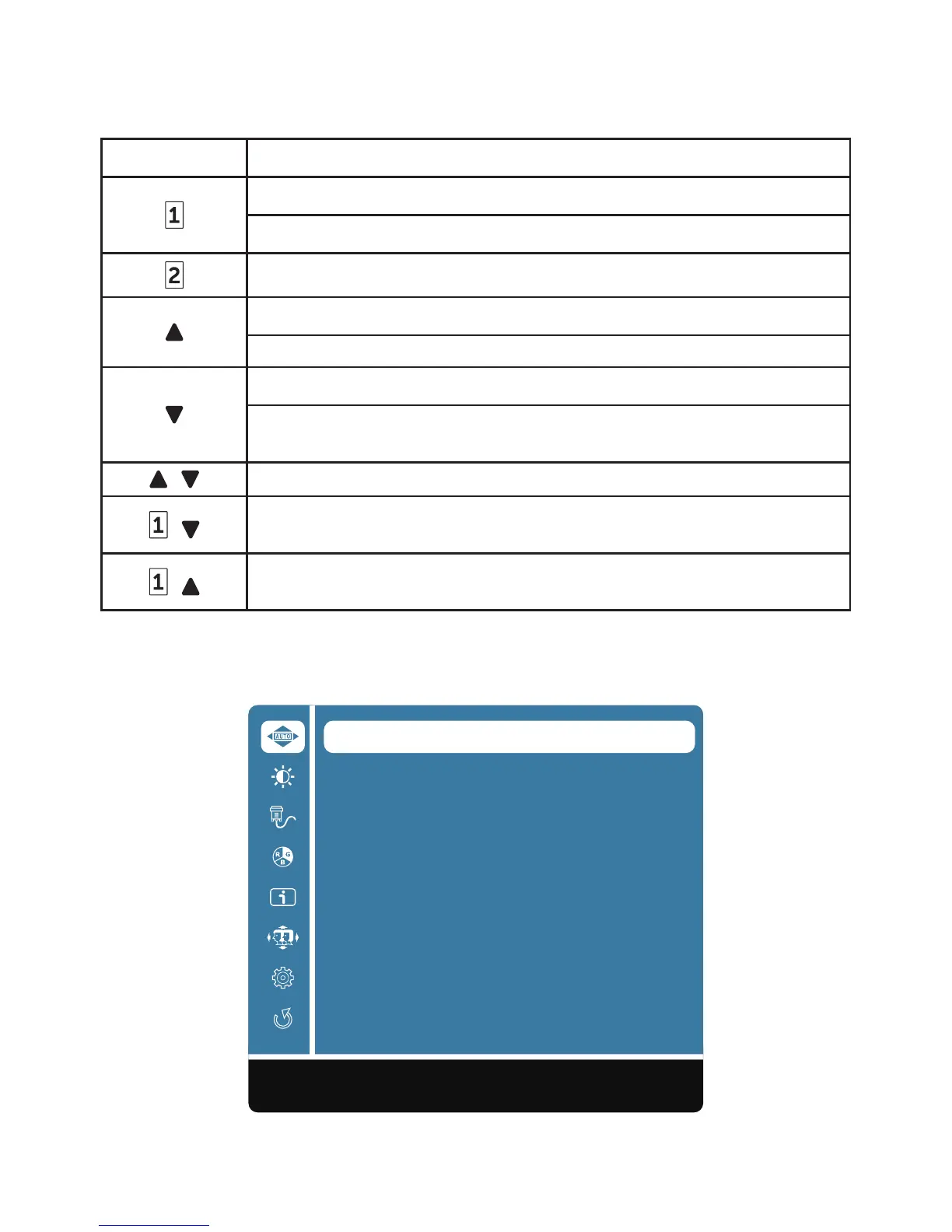
Your monitor’s settings are adjusted with the following buttons:
Button Function
Display main menu
Exit from main menu
Manual adjust mode select for VGA, HDMI mode
Select the desired item when in OSD menu
When not in OSD menu, directly enters Color Vision Mode
Select the desired item when in OSD menu
When not in OSD menu, directly enters Contrast/Brightness
menu
+
Recall both Contrast and Brightness (when not in OSD menu)
+
Power Lock, press 10 seconds to lock, repeat press 10
seconds to unlock(when not in OSD menu)
+
OSD Lock, press 10 seconds to lock, repeat press 10 seconds
to unlock(when not in OSD menu)
The main menu
Use the monitor’s menu to make adjustments:
Auto Image Adjust
Contrast/Brightness
Input Source
Color Adjust
Information
Manual Image Adjust
Setup Menu
Memory Recall
1:Exit Select:2











 To Next Page