Glossary 23
Glossary
A
AC — alternating current — The form of electricity that powers your computer when
you plug the AC adapter power cable in to an electrical outlet.
D
DisplayPort — An interface standard of the Video Electronics Standards Association
(VESA) used for digital displays.
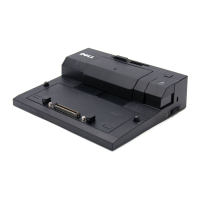
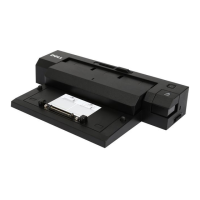
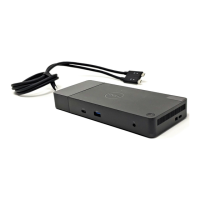
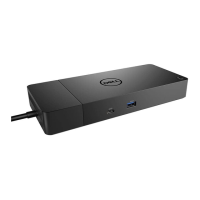
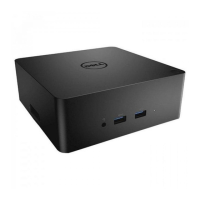
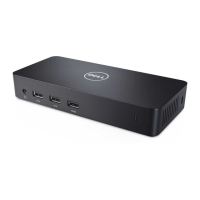
docking device — Provides port replication, cable management, and security features
to adapt your laptop to a desktop workspace.
DVI — digital video interface — A standard for digital transmission between a
computer and a digital video display.
E
eSATA — External Serial Advanced Technology Attachment — An interface for
external Serial ATA devices.
H
HDMI — High-Definition Multimedia Interface — An interface of 19 separate,
uncompressed audio and video signals used for high definition TV and audio.
I
I/O — input/output — An operation or device that enters and extracts data from your
computer. Keyboards and printers are I/O devices.
P
parallel connector — An I/O port often used to connect a parallel printer to your
computer. Also referred to as an LPT port.
PS/2 — personal system/2 — A type of connector for attaching a PS/2-compatible
keyboard, mouse, or keypad.


 To Next Page