Color
Settings
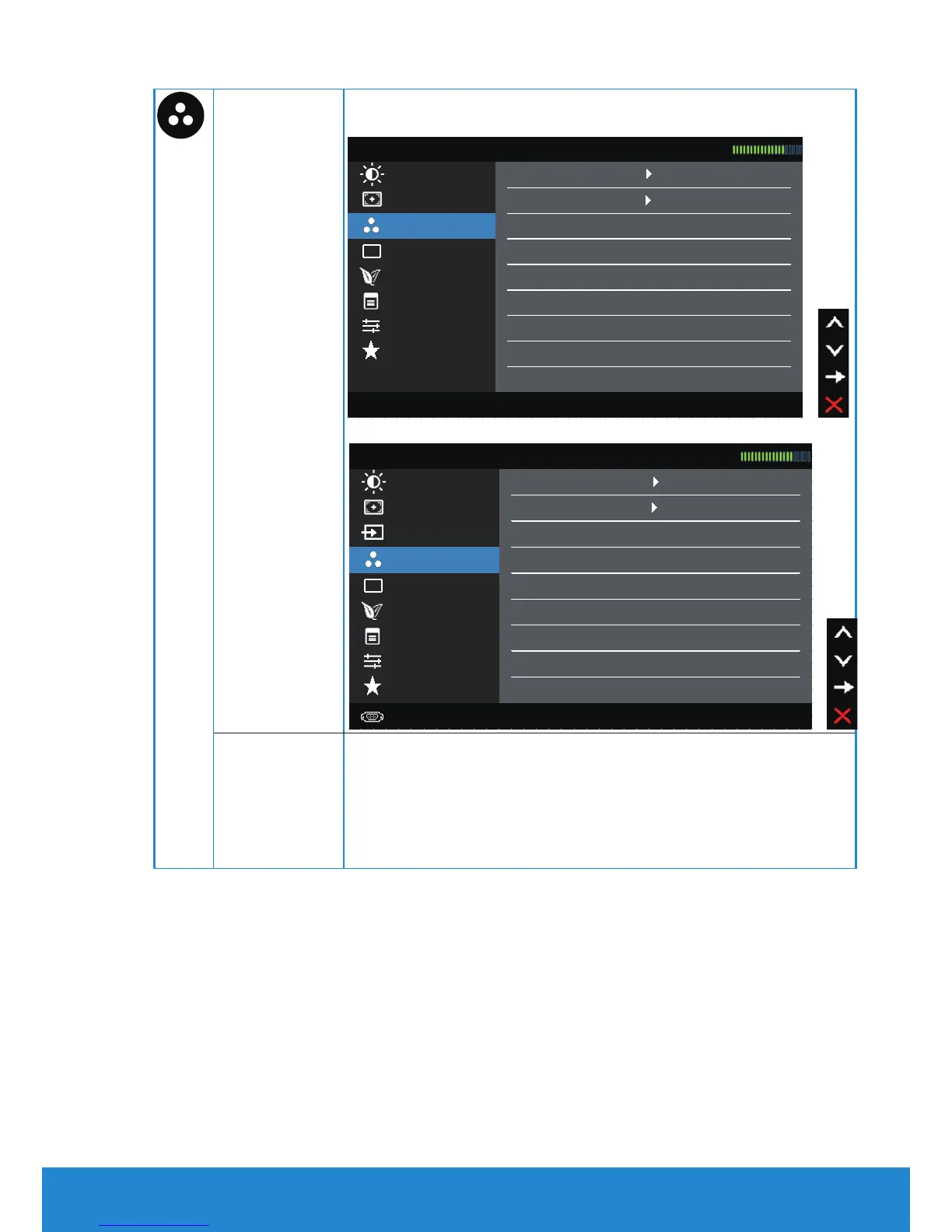
Use the Color Settings menu to adjust the monitor's color
settings.
Auto Adjust Preset Modes Standard
Dell E1914H Energy Use
Brightness / Contrast Input Color Format RGB
Display Settings
Color Settings Reset Color Settings
Menu Settings
Energy Settings
Other Settings
Personalize
Resolution: 1024x768, 60Hz Maximum Resolution: 1366x768, 60Hz
Dell E2014H Energy Use
Brightness / Contrast Input Color Format RGB
Color Settings
Reset Color Settings
Auto Adjust Preset Modes Standard
Input Source
Energy Settings
Display Settings
Other Settings
Menu Settings
Personalize
Resolution: 1024x768, 60Hz Maximum Resolution: 1600x900, 60Hz
Input Color
Format
Allows you to set the video input mode to:
• RGB: Select this option if your monitor is
connected to a computer or DVD player using the
HDMI to DVI adapter.
• YPbPr: Select this option if your DVD player
supports only YPbPr output.
Operating the Monitor 35



 To Next Page