Occasionally, no warning message appears, but the screen is blank. This could also indicate that the monitor is not synchronizing with the computer.
See Troubleshooting for more information.
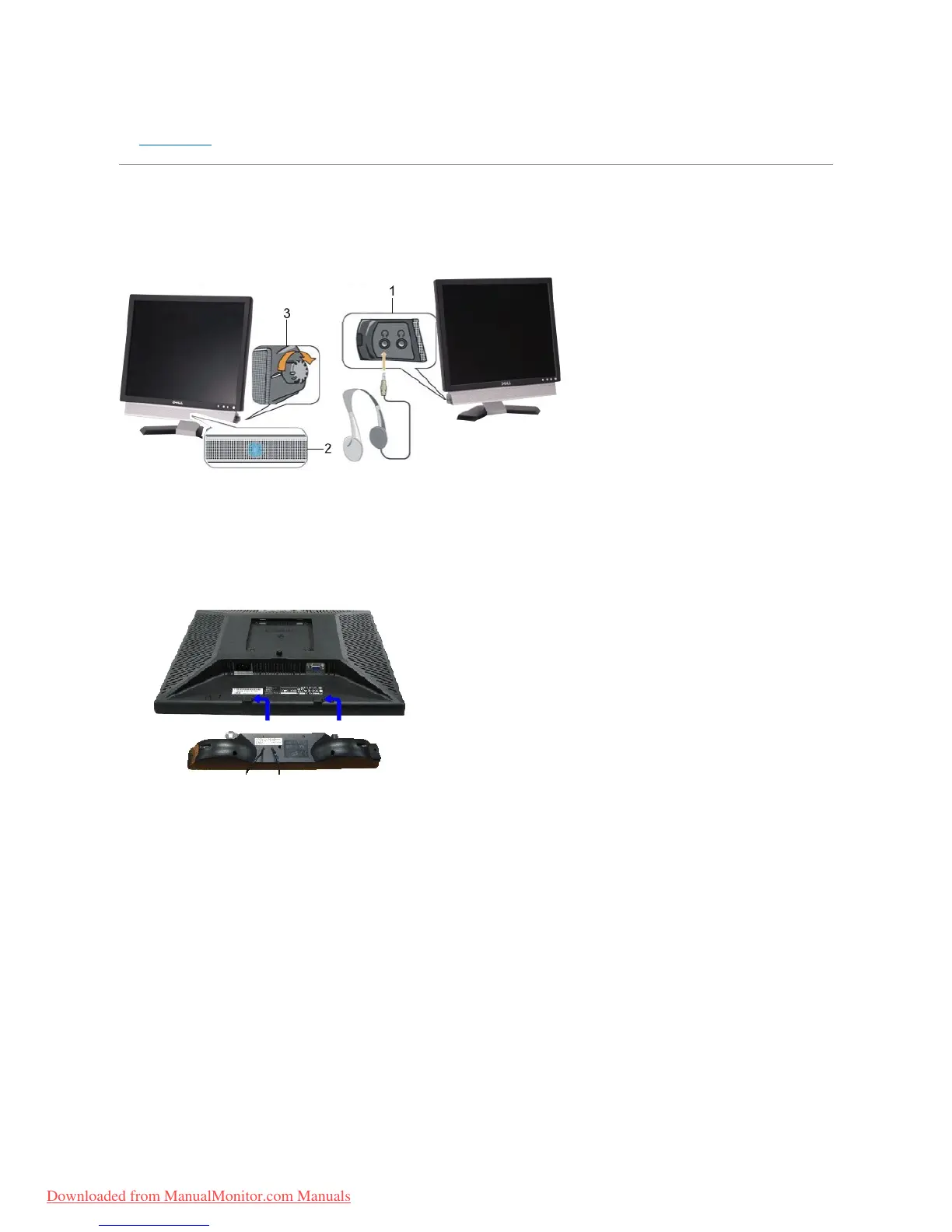
Using the Dell Soundbar (Optional)
The Dell Soundbar is a four-speaker, two-channelsystemadaptabletomountonDell™FlatPanelDisplays.The Soundbar has a rotary volume and on/off
control to adjust the overall system level, a blue LED for power indication, and two audio headset jacks.
Soundbar Attachment to the Monitor



 To Next Page