Setting Up the Monitor | 19
Removing the Monitor Stand
CAUTION: To prevent scratches on the LCD screen while removing the
stand,make sure that the monitor is placed on a soft, clean surface.
NOTE: The procedure below is applicable for the default stand. If you
purchased any other stand, see the documentation shipped with the stand to
set it up.
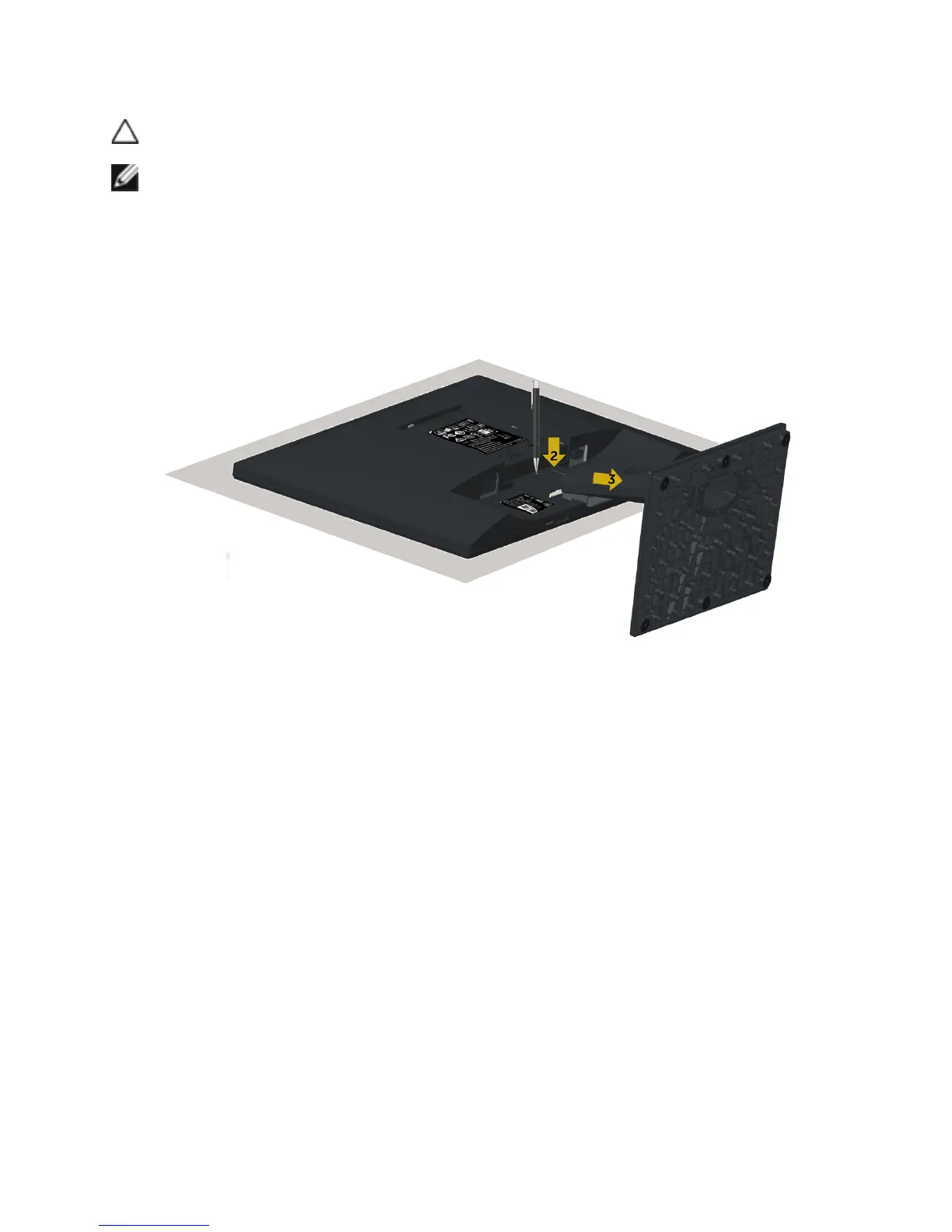
To remove the stand:
1 Place the monitor on a flat surface.
2 Use a pen hold the release button.
3 Pull the stand neck in the arrow direction to detach the stand.



 To Next Page