8 | About Your Monitor
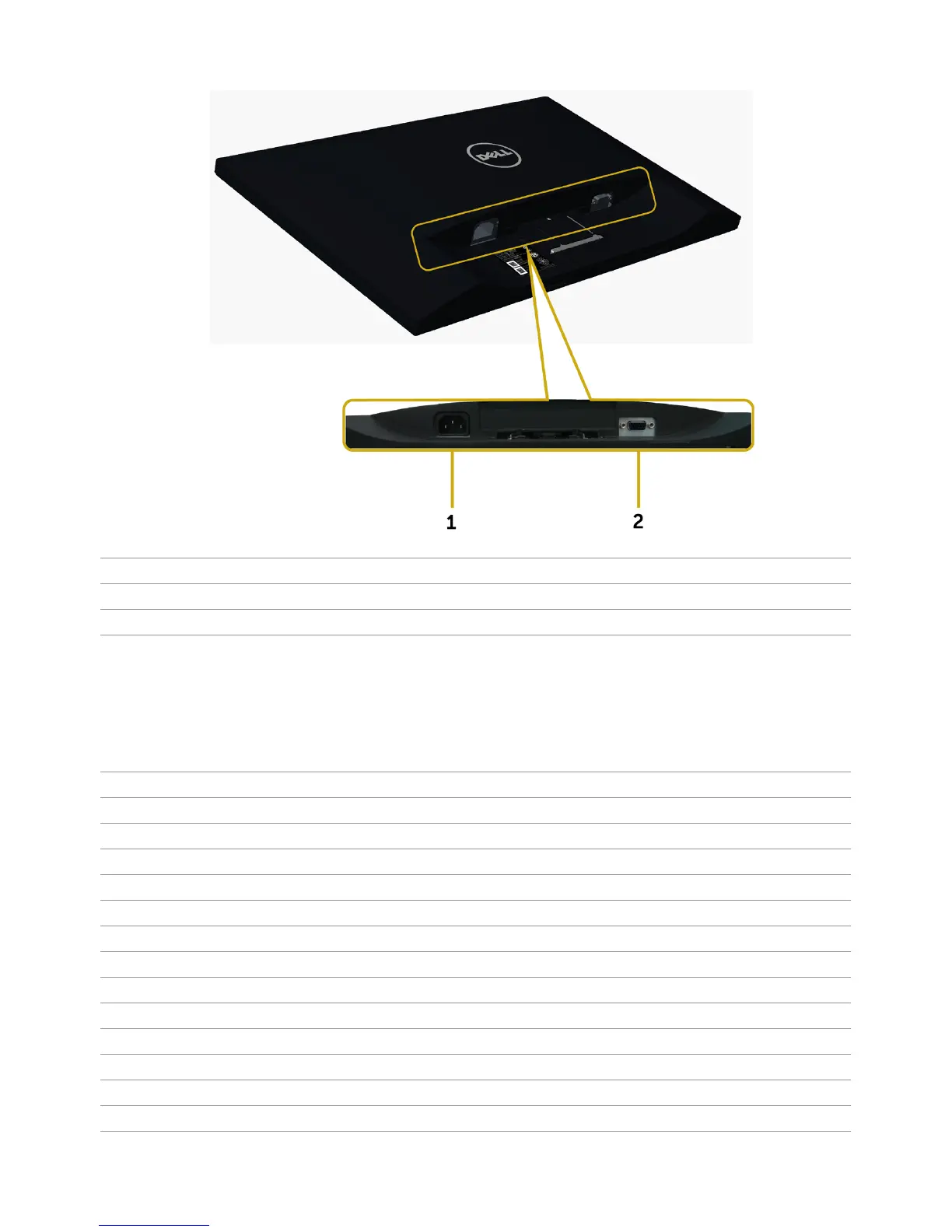
Bottom View
Label Description Use
1 AC power connector To connect the monitor power cable.
2 VGA port Connect your computer with VGA cable.
Monitor Specifications
Flat Panel Specifications
Screen type Active matrix - TFT LCD
Panel type In-plane switching type
Viewable image:
Diagonal 49.40 cm (19.45 inches)
Active Area:
Horizontal 418.61 mm (16.48 inches)
Vertical 262.35 mm (10.33 inches)
Area 109821.81 mm
2
(170.22inch
2
)
Pixel pitch 0.2915 mm x 0.2915 mm
Viewing angle:
Horizontal 178° (typical)
Vertical 178° (typical)
Luminance output 250 cd/m² (typical)
Contrast ratio 1000:1 (typical)



 To Next Page