34 | Operating the Monitor
Activate the computer and wake up the monitor to gain access to the OSD.
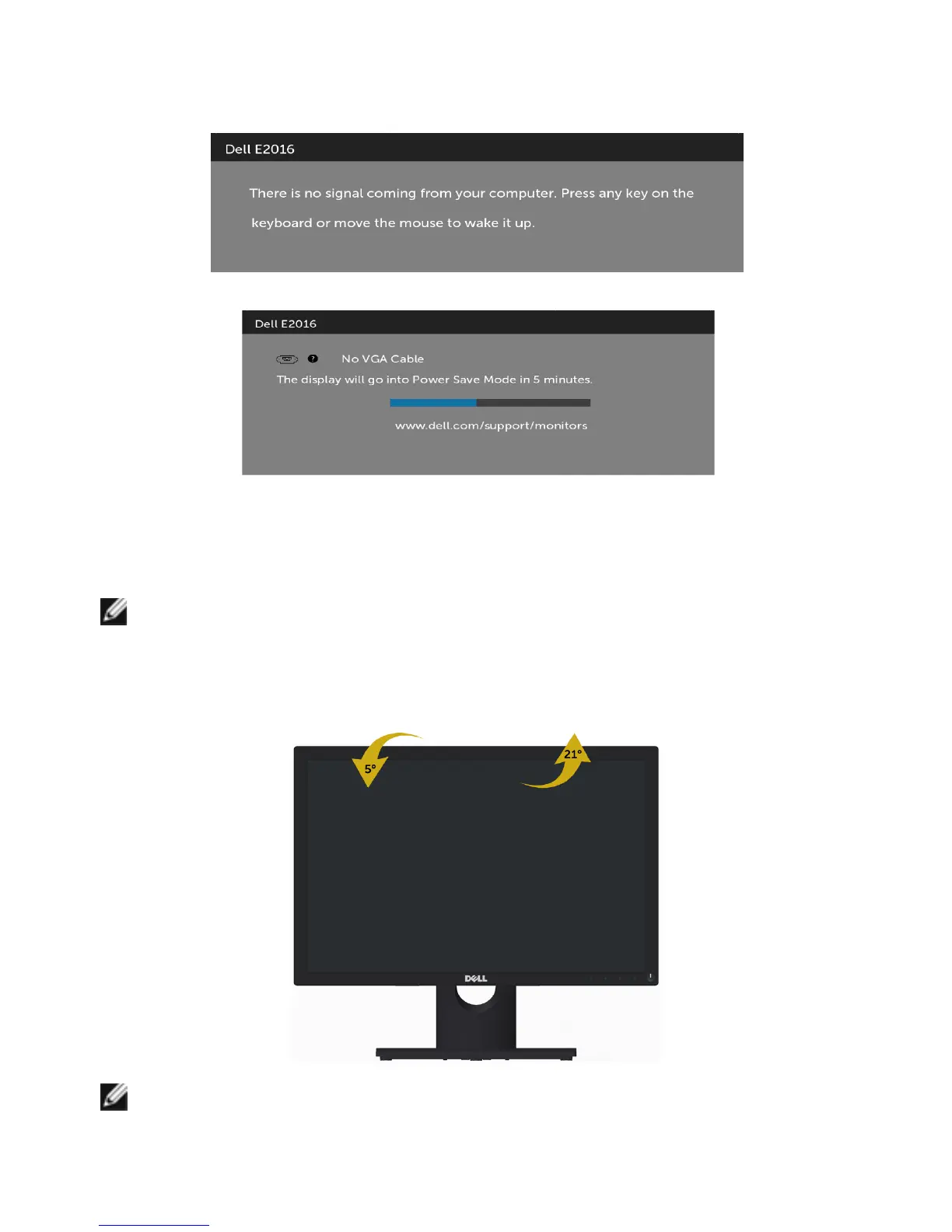
If you press any button other than the power button, one of the following messages will
appear depending on the selected input:
If VGA cable is not connected, a floating dialog box as shown below appears.
See Troubleshooting for more information.
Using Tilt
NOTE: This is applicable for a monitor with a stand. If you purchased any other
stand, refer to the respective stand setup guide for set up instructions.
Tilt
With the stand attached to the monitor, you can tilt the monitor for the most
comfortable viewing angle.
NOTE: The stand is detached when the monitor is shipped from the factory.



 To Next Page