22" LCD Color Monitor Dell E228WFPc
49
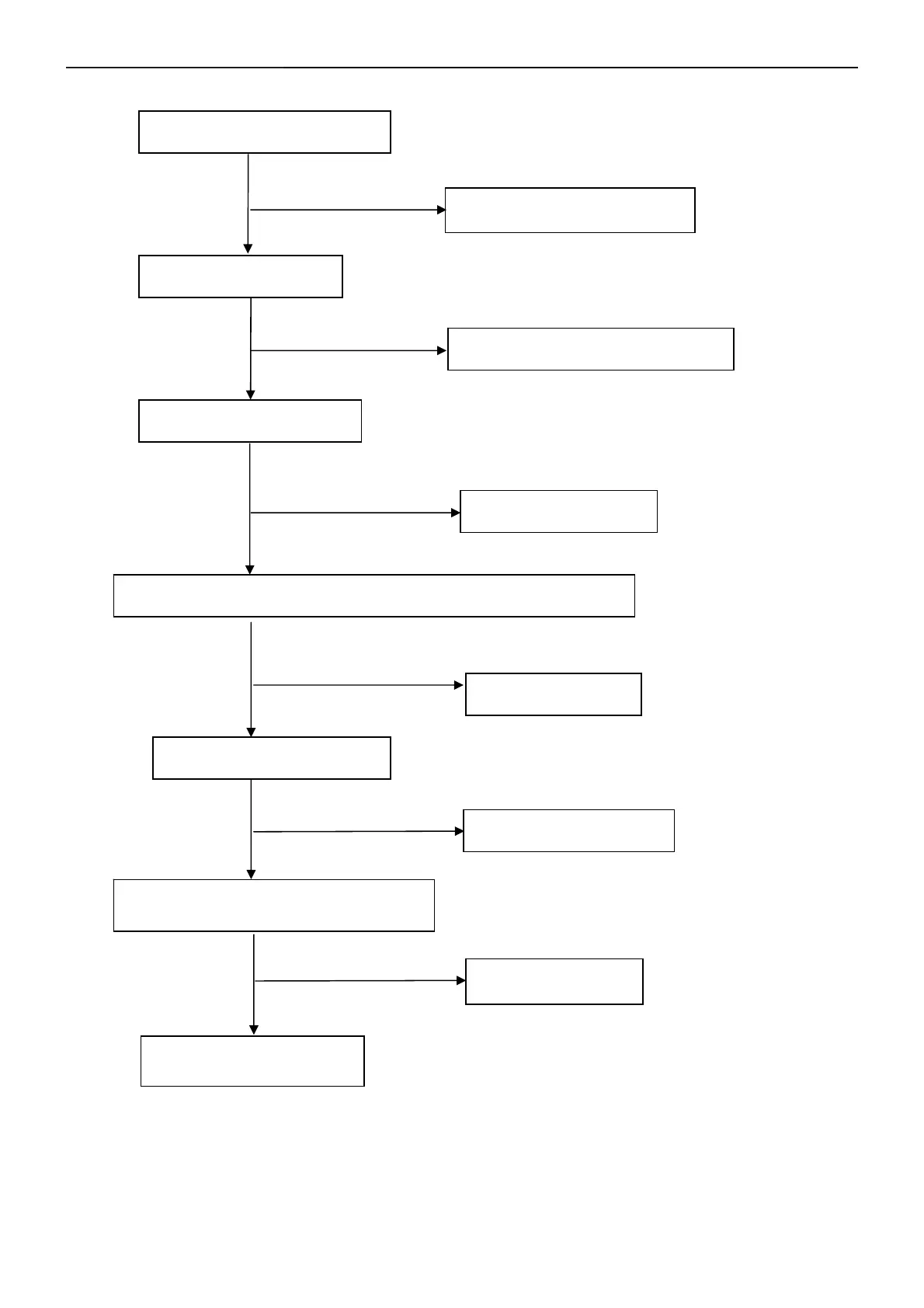
No Backlight
Check R802=14V
NG
OK
Check adapter and F902
Check ON/OFF signal
Check Interface board or main board
NG
OK
Check IC801 PIN2=5V
NG
OK
Change on/off circuit
Check IC801 PIN9,10 have the output of square wave at short time
NG
OK
Check Q804,Q809
Check the output of PT801,PT802,
Check connecter & lamp
OK
NG
Check PT801,PT802,
Change IC801
Check the input of Q804,Q809
NG
OK


 To Next Page