16 Getting Started Guide
2
Set the switch on a flat surface, and make sure that it has proper
ventilation by leaving 5 cm (2 inches) on each side and 13 cm (5 inches) at
the back.
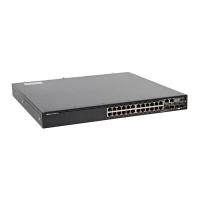
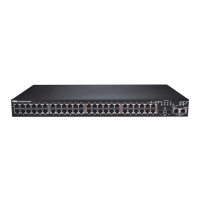
Stacking Multiple N1124T-ON/N1124P-ON/
N1148T-ON/ N1148P-ON Switches
You can stack N1124T-ON/N1124P-ON/N1148T-ON/ N1148P-ON switches
up to four switches high using 10G SFP+ ports on the front of the switch.
The ports must be configured to support stacking. When multiple switches
are connected together through the stack ports, they operate as a single unit
with up to 208 front-panel ports. The stack operates and is managed as a
single entity. Refer to the User Configuration Guide and the CLI Reference
Guide for more information.


 To Next Page
 Loading...