Getting Started Guide 7
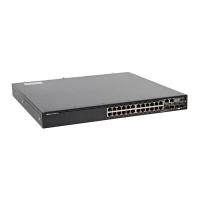
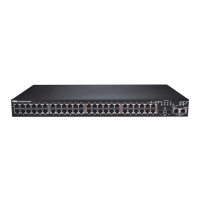
N1100-ON Series Model Summary
Table 1-2. N1100-ON Series Switch Regulatory Numbers
Mounting Bracket Information
Supported Mounting Brackets
Marketing
Model Name
(MMN)
Description Power Supply
Unit (PSU)
Regulatory
Model Number
(RMN)
Regulatory
Type Number
(RTN)
N1108T-ON 10x1G/2x1G SFP Ports DPS-24GP E17W E17W001
N1108P-ON 10x1G/2x1G SFP/2xPoE+ Ports DPS-80AP/
DPS-24GP
E17W E17W001
N1108EP-
ON
8x1G PoE+/2x1G PD/2x1G SFP
Ports
ADP-280BR E48W E48W001
N1124T-ON 24x1G/4x10G SFP+ Ports DPS-40AP E18W E18W001
N1124P-ON 24x1G/4x10G SFP+/6xPoE+ Ports EDPS-250BF E18W E18W001
N1148T-ON 48x1G/4x10G SFP+ Ports DPS-60AP E18W E18W002
N1148P-ON 48x1G/4x10G SFP+/12xPoE+ Port YM-2501D E18W E18W002
Marketing Model
Name (MMN)
Mounting kit that is shipped with
the device
Other supported mounting
kits that you can purchase
separately
Wall mounting
restrictions
N1108T-ON/
N1108P-ON
Wall mount kit
•Large L-bracket for 2-
post mounting
• Tandem Tray
Cannot be
mounted with
I/O facing down
N1124T-ON/
N1124P-ON
2-post rack mount None Cannot be
mounted with
I/O facing down
N1148T-ON/
N1148P-ON
2-post rack mount None Cannot be
mounted with
I/O facing down
N1108EP-ON None
•Large L-bracket for 2-
post mounting
• Wall mount kit
Can be mounted
with IO facing
down


 To Next Page
 Loading...