Operating your monitor │ 39
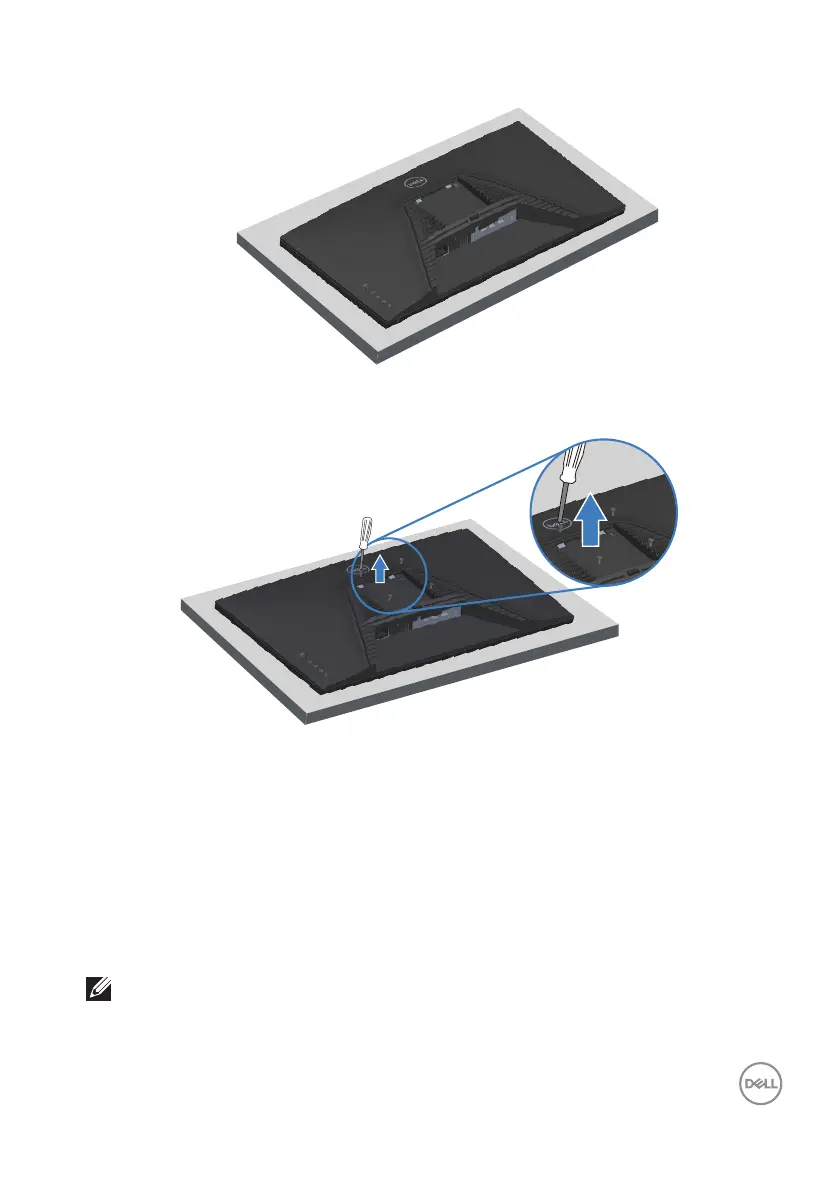
3. Lift the stand assembly up and away from the monitor.
VESA wall mounting (optional)
(Screw dimension: M4 x 10 mm).
See the documentation that shipped with the VESA-compatible wall mounting kit.
1. Place the monitor on a soft cloth or cushion at the edge of the desk.
2. Remove the monitor stand. See Removing the monitor stand.
3. Remove the four screws that secure the display back cover.
4. Install the mounting bracket from the wall mounting kit to the monitor.
5. To mount the monitor on the wall, see the documentation that shipped with the
wall mounting kit.
NOTE: For use only with UL or CSA or GS-listed wall mount bracket
with minimum weight or load bearing capacity of 14.64 kg (32.28 lbs).



 To Next Page