Operating your monitor │ 43
Using the On-Screen Display (OSD) menu
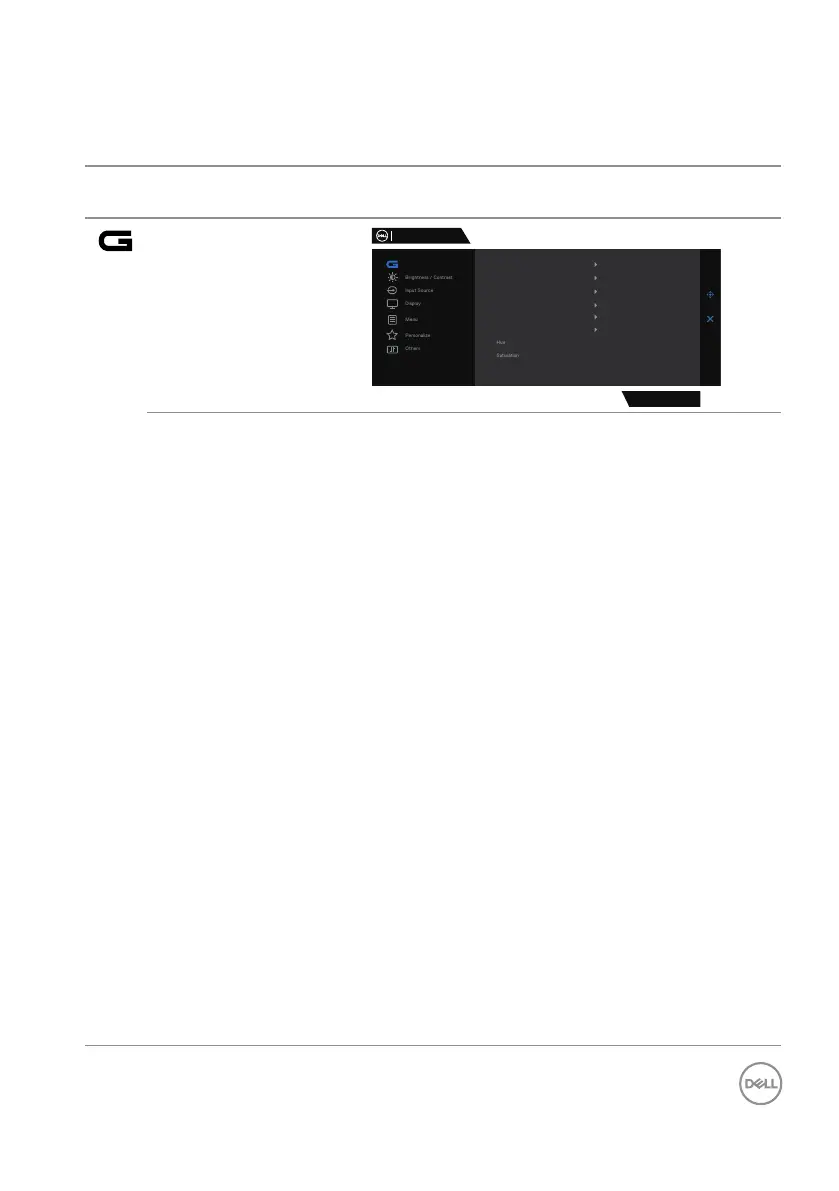
Accessing the menu system
Icon Menu and
submenus
Description
Game
Dell 27 Gaming Monitor
G2724D
Game
Preset Modes
Game Enhance Mode
Standard
O
Fast
0
O
On
Response Time
Dark Stabilizer
Console Mode
Vision Engine
Reset Game
Preset Modes When you select Preset Modes, you can choose
Standard, FPS, MOBA/RTS, RPG, SPORTS,
Game 1, Game 2, Game 3, Warm, Cool, sRGB or
Custom Color from the list.
∞ Standard: Loads the monitor’s default color
settings. The Standard mode is the default preset
mode.
∞ FPS: Loads color settings ideal for First-Person
Shooter games.
∞ MOBA/RTS: Loads color settings ideal for
Multiplayer Online Battle Arena (MOBA) and Real-
Time Strategy (RTS) games.
∞ RPG: Loads color settings ideal for Role-Playing
games.
∞ SPORTS: Loads color settings ideal for “SPORTS”
games.
∞ Game 1/Game 2/Game 3: Enables you to
customize the color settings for your gaming needs.
∞ Warm: Decreases the color temperature. The
screen appears warmer with a red/yellow tint.
∞ Cool: Increases the color temperature. The screen
appears cooler with a blue tint.
∞ sRGB: Loads color settings ideal for sRGB.



 To Next Page