44 │ Operating your monitor
Icon Menu and
submenus
Description
Preset Modes ∞ Custom Color: Enables you to manually adjust the
color settings. Moves the joystick button to adjust
the Gain, Offset, Hue and Saturation values and
create your own preset color mode.
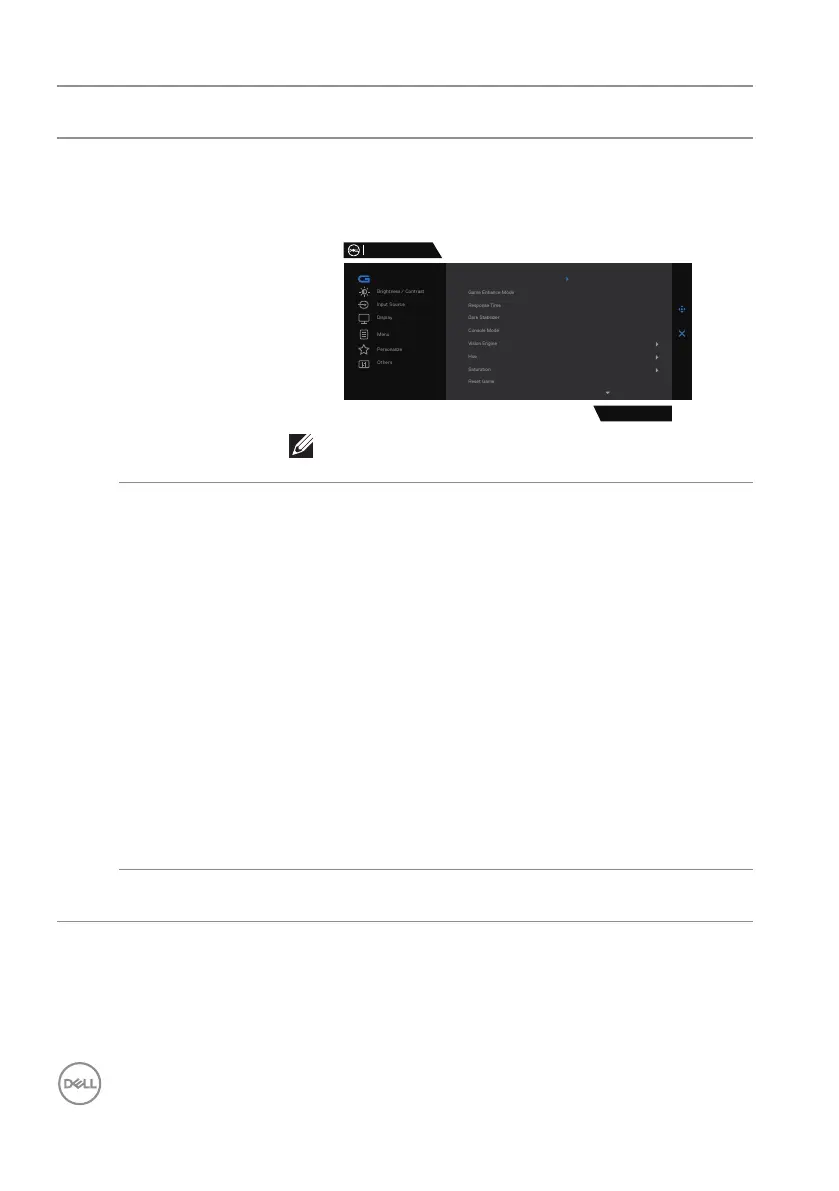
Dell 27 Gaming Monitor
G2724D
Game
Preset Modes Standard
FPS
MOBA/RTS
RPG
SPORTS
Game 1
Game 2
Game 3
Warm
NOTE: Preset modes are not available when
Console mode is turned to “on”.
Game Enhance
Mode
Adjusts Game Enhance Mode to Off, Timer, Frame
Rate or Display Alignment.
∞ Off: Selects to disable the functions under Game
Enhance Mode.
∞ Timer: Enables you to disable or enable the timer at
the top-left corner of the display. The timer shows
the time elapsed since the game starts. Selects an
option from the time-interval list to keep you aware
of the remaining time.
∞ Frame Rate: Selecting On enables you to display
the current frames per second when playing games.
The higher the rate, the smoother motion appears.
∞ Display Alignment: Activating the function may
help ensure the perfect alignment of the video
contents from multiple displays.
Response Time Enables you to set the Response Time to Fast, Super
Fast or Extreme.



 To Next Page