Operating your monitor │ 57
Vision Engine
Vision Engine has special vision engine design that can enhance visual elements
in different gaming scenes, including five visions: Night vision, Clear vision,
Chroma vision or Crosshair engines for you to select. Trigger using the OSD or
Dell Display Manager to set them up and trigger from the Shortcut key.
Use the OSD menu and Shortcut key to launch Vision Engine:
1.
Press the Joystick button to launch the OSD Main Menu.
2.
Move the Joystick button to select Game > Vision Engine to initiate it.
3.
Select On or Off to decide whether to enable the functions in Vision Engine
mode.
Dell 27 Gaming Monitor
G2724D
On
O
Game
Vision Engine
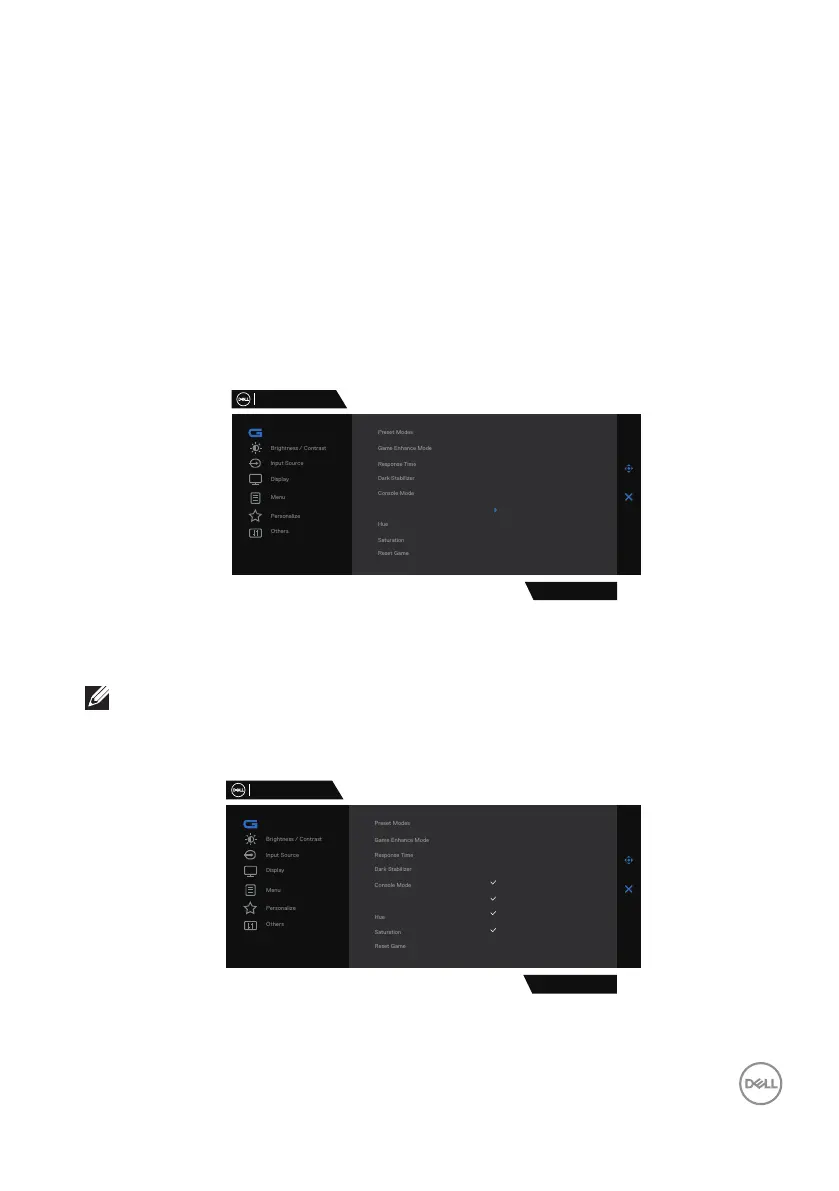
The following message appears when you select “On” and you can preview the
effect of each vision by moving Joystick button.
NOTE: Press Joystick button to check/uncheck the vision engines.
By default, all vision engines are checked. You can check the vision
engines according to your preference.
Dell 27 Gaming Monitor
G2724D
Night Vision
Clear Vision
Chroma Vision
Crosshair
Game
Vision Engine



 To Next Page