58 │ Operating your monitor
4.
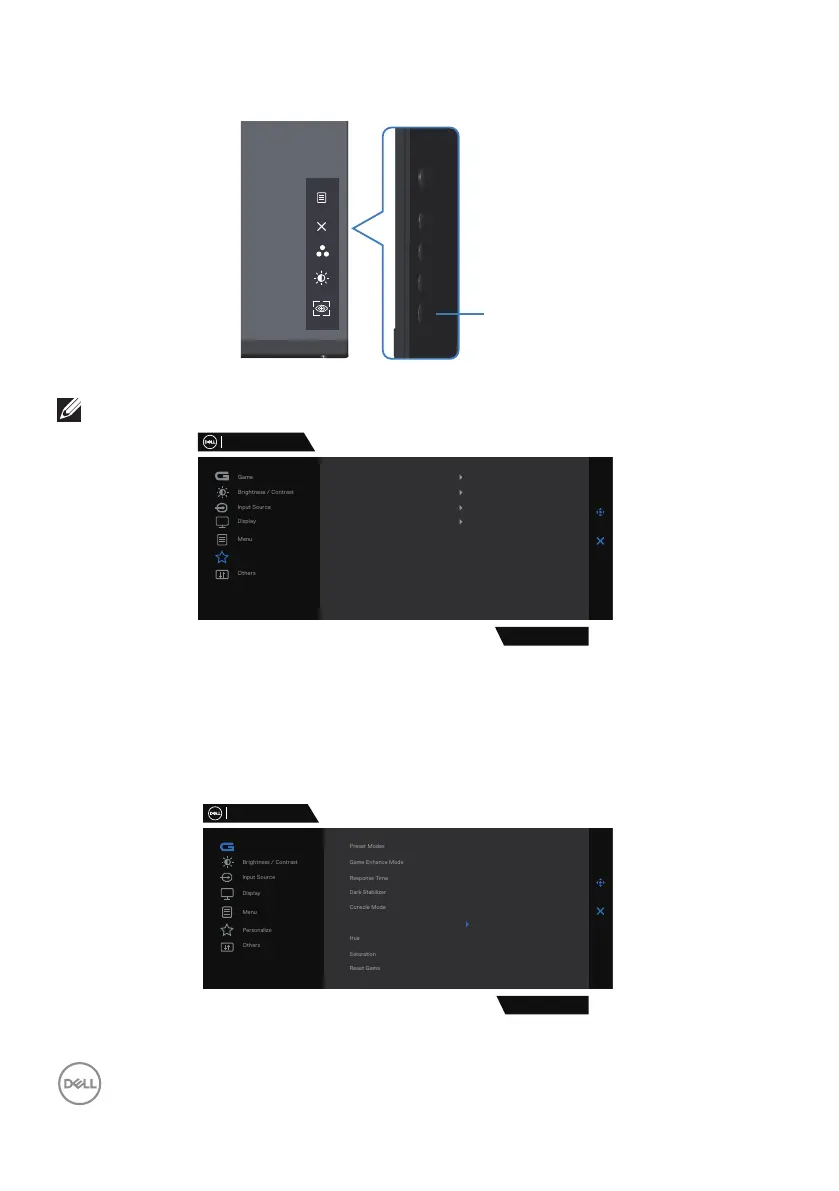
Use the Shortcut Key of Vision Engine to toggle different vision engines.
Vision Engine
NOTE: Adjust the preset Shortcut keys in Personalize settings.
Dell 27 Gaming Monitor
Personalize
G2724D
Shortcut Key 1
Shortcut Key 2
Shortcut Key 3
Power Button LED
Preset Modes
Brightness/Contrast
Vision Engine
On in On Mode
Reset Personalization
Use the Dell Display Manager and Shortcut key to launch Vision Engine:
1.
Press the Joystick button to launch the OSD Main Menu.
2.
Move the Joystick button to select Game > Vision Engine to initiate it.
3.
Select On to enable the functions in Vision Engine mode.
Dell 27 Gaming Monitor
G2724D
On
O
Game
Vision Engine



 To Next Page