46 │ Operating your monitor
Icon Menu and
submenus
Description
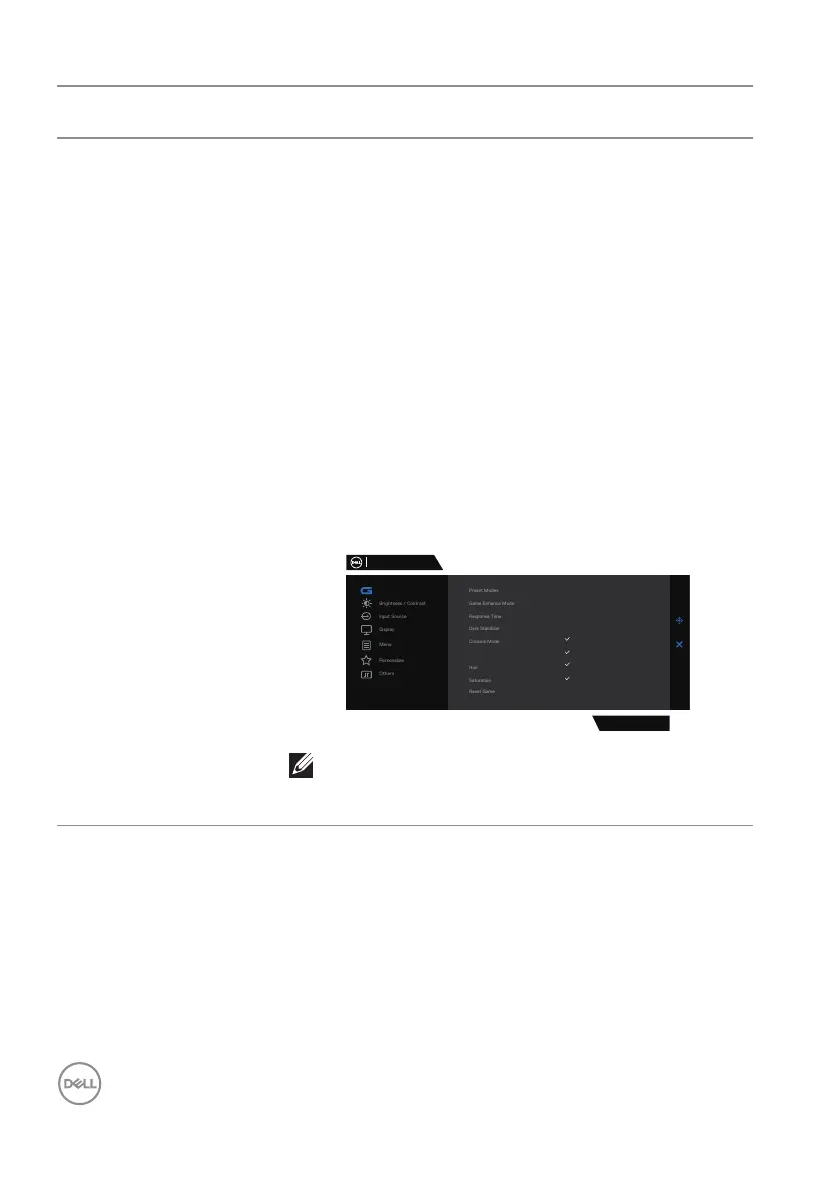
Vision Engine Adjusts Vision Engine to On/Off, Night vision, Clear
vision, Chroma vision or Crosshair and this feature
improves the visibility in gaming scenes. For more
information, see Vision Engine.
∞ On/Off: Selects to enable/disable functions under
Vision Engine.
∞ Night Vision: Uses this feature when playing
games to identify objects clearly, enhance contents
in darkness.
∞ Clear Vision: This feature is suitable to clean up
visual artifacts, enhance contents details such as
sharpness, edges, super-resolutions, in a day scene.
∞ Chroma Vision: This feature can apply heat map in
dark gaming scenes.
∞ Crosshair: This feature enhances the visibility of
in-game crosshair.
Dell 27 Gaming Monitor
G2724D
Night Vision
Clear Vision
Chroma Vision
Crosshair
Game
Vision Engine
NOTE:
FPS and Timer counters are not available in
Crosshair.



 To Next Page