Operating your monitor │ 49
Icon Menu and
submenus
Description
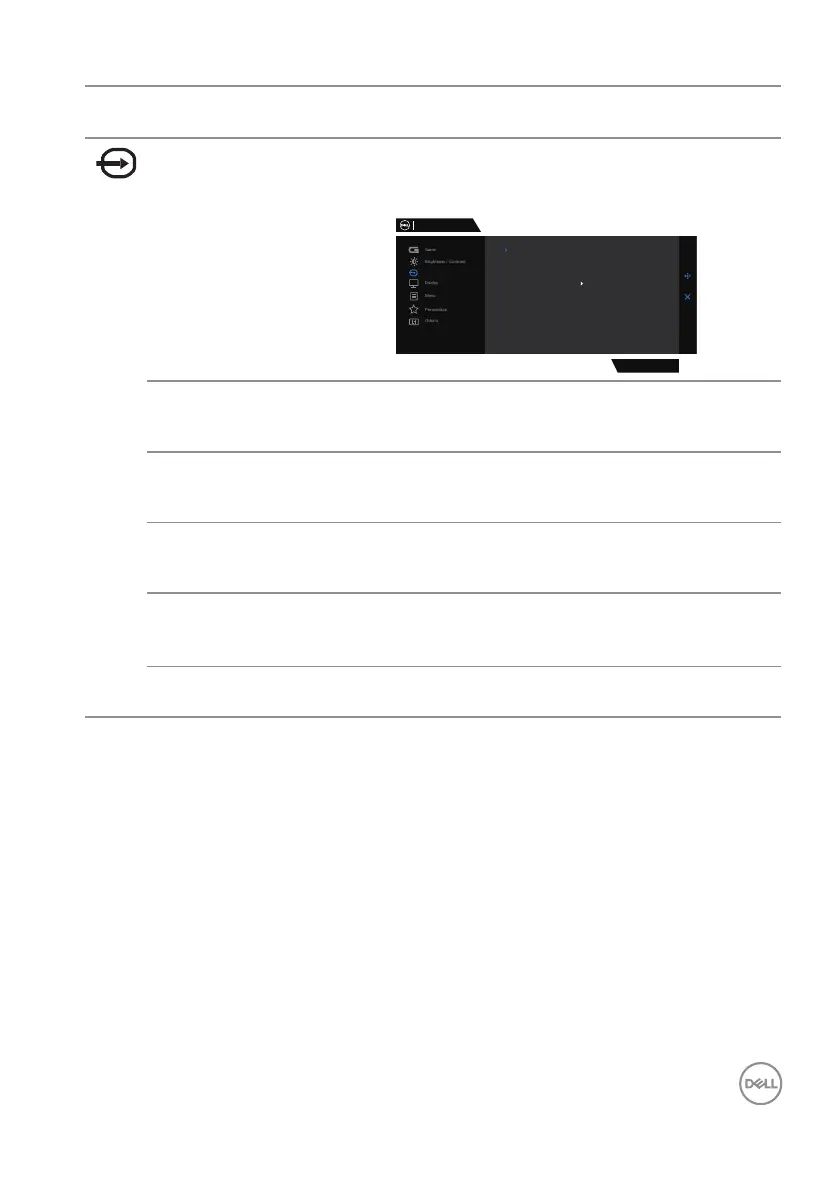
Input Source Uses the Input Source menu to select between the
different video signals that may be connected to your
monitor.
Dell 27 Gaming Monitor
DP1
HDMI
DP2
Auto Select
Reset Input Source
On
G2724D
Input Source
DP1 Selects DP1 input when using the DP1 (DisplayPort)
connector. Presses the joystick button to confirm the
selection.
DP2 Selects DP2 input when using the DP2 (DisplayPort)
connector. Presses the joystick button to confirm the
selection.
HDMI Selects the HDMI input when using the HDMI
connector. Presses the joystick button to confirm the
selection.
Auto Select Turns on the function to allow the monitor to
automatically scan for available input sources. Presses
the joystick button to confirm the selection.
Reset Input
Source
Resets all settings under the Input Source menu to
factory defaults.



 To Next Page