52 │ Operating your monitor
Icon Menu and
submenus
Description
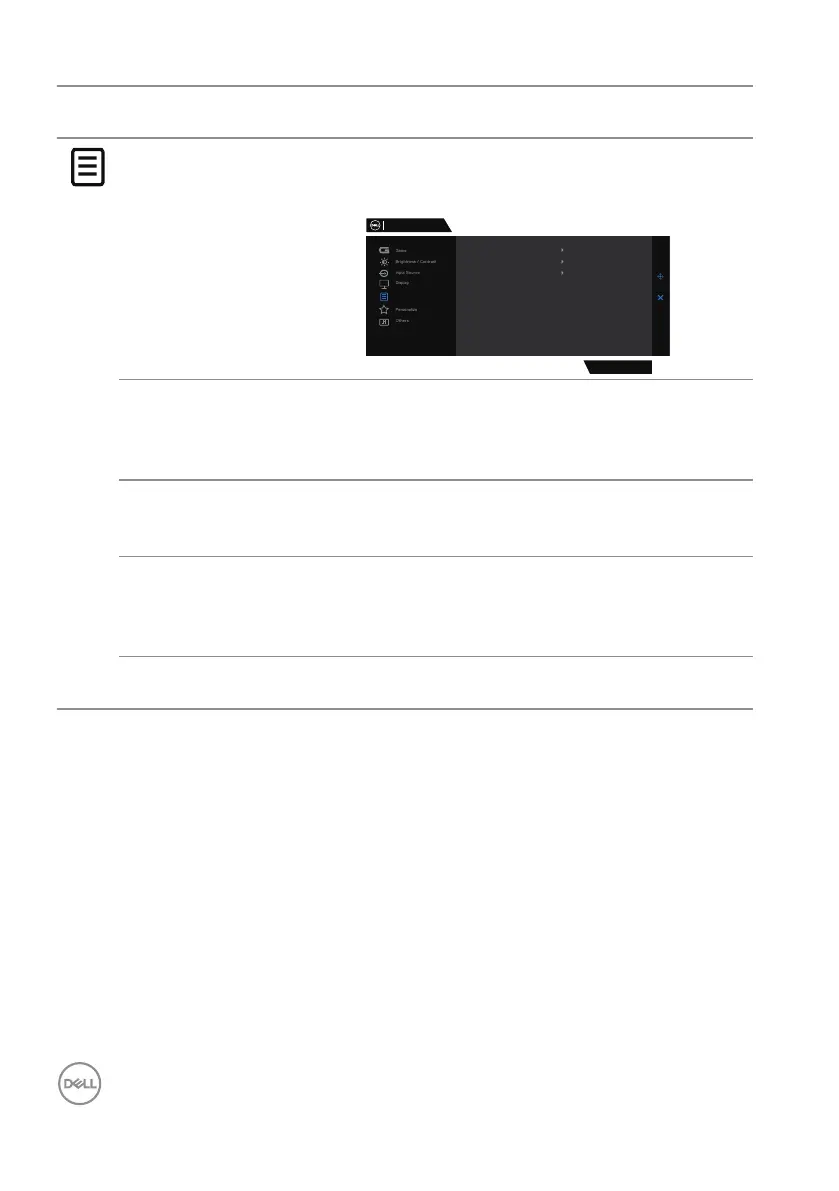
Menu Selects this option to adjust the settings of the OSD,
such as the languages, the amount of time, the menu
remains on screen and so on.
Dell 27 Gaming Monitor
Menu
G2724D
Language English
Transparency
20
Timer
20 s
Reset Menu
Language Sets the OSD display to one of the following eight
languages: English, Spanish, French, German,
Brazilian Portuguese, Russian, Simplified
Chinese or Japanese.
Transparency Selects this option to change the menu transparency
by moving the joystick button up or down (minimum 0;
maximum 100).
Timer OSD Hold Time: Sets the length of time and then the
OSD remains active after you press a button. Moves
the joystick button to adjust the slider in 1 second
increments, from 5 to 60 seconds.
Reset Menu Resets all settings under the Reset Menu to factory
defaults.



 To Next Page