68 │ Troubleshooting
or
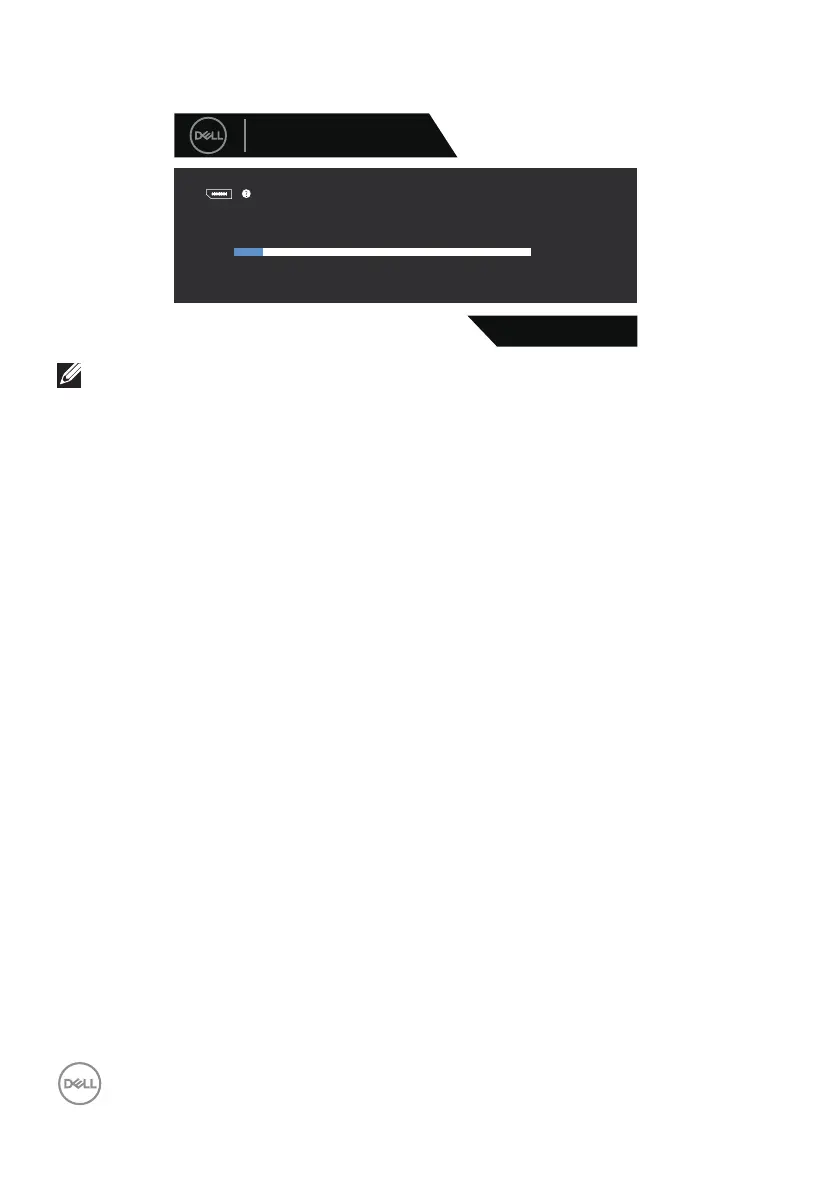
G2724D
No DP2 Cable
Dell 27 Gaming Monitor
The display will go into Standby Mode in 4 minutes.
www.dell.com/G2724D
2
NOTE: This dialog box appears even during normal operation and when
the video cable is disconnected or damaged.
4. Turn off your monitor and reconnect the video cable; Turn on your computer
and the monitor.
If your monitor remains dark after you reconnect the cables, check your video
controller and computer, as your monitor is functioning properly.



 To Next Page