Installing the battery
NOTE: If your computer supports the 6-cell battery, it will not support a hard drive.
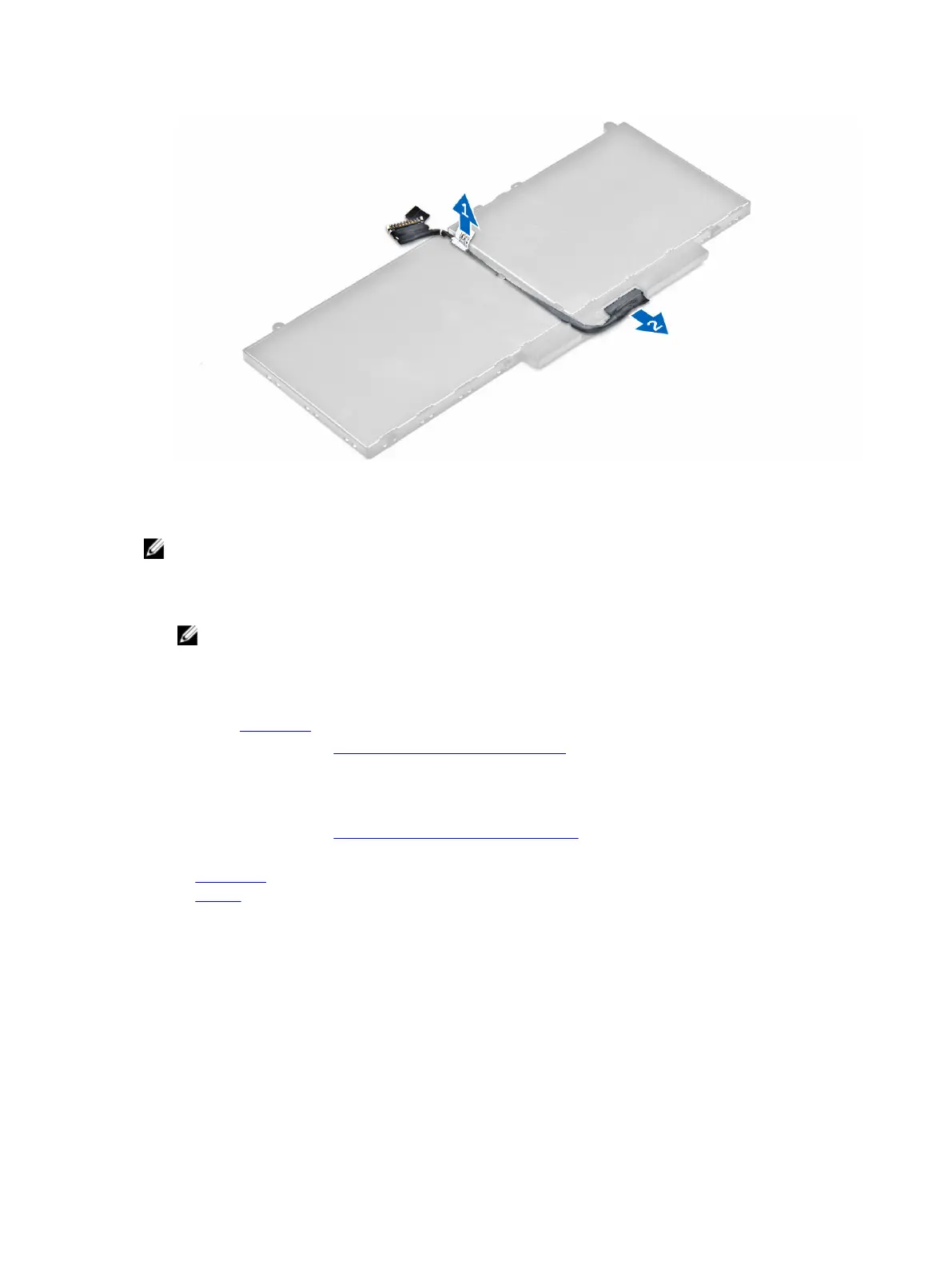
1. Connect the battery cable to the connector on the battery.
2. Route the battery cable through the routing channel on the battery.
NOTE: This step is applicable only for a 4-cell battery.
3. Insert the battery into the slot on the computer.
4. Tighten the screws to secure the battery to the computer.
5. Connect the battery cable to the connector on the system board.
6. Install the base cover.
7. Follow the procedure in After working inside your computer.
Removing the hard drive assembly
1. Follow the procedure in Before working inside your computer.
2. Remove the:
a. base cover
b. battery
3. To remove the hard drive assembly:
a. Disconnect the hard drive cable from the connector on the system board [1] .
b. Remove the screws that secure the hard drive assembly to the computer [2].
c. Lift the hard drive assembly away from the computer [3].
9



 To Next Page