Getting to Know Your Dell™ Lightning 21
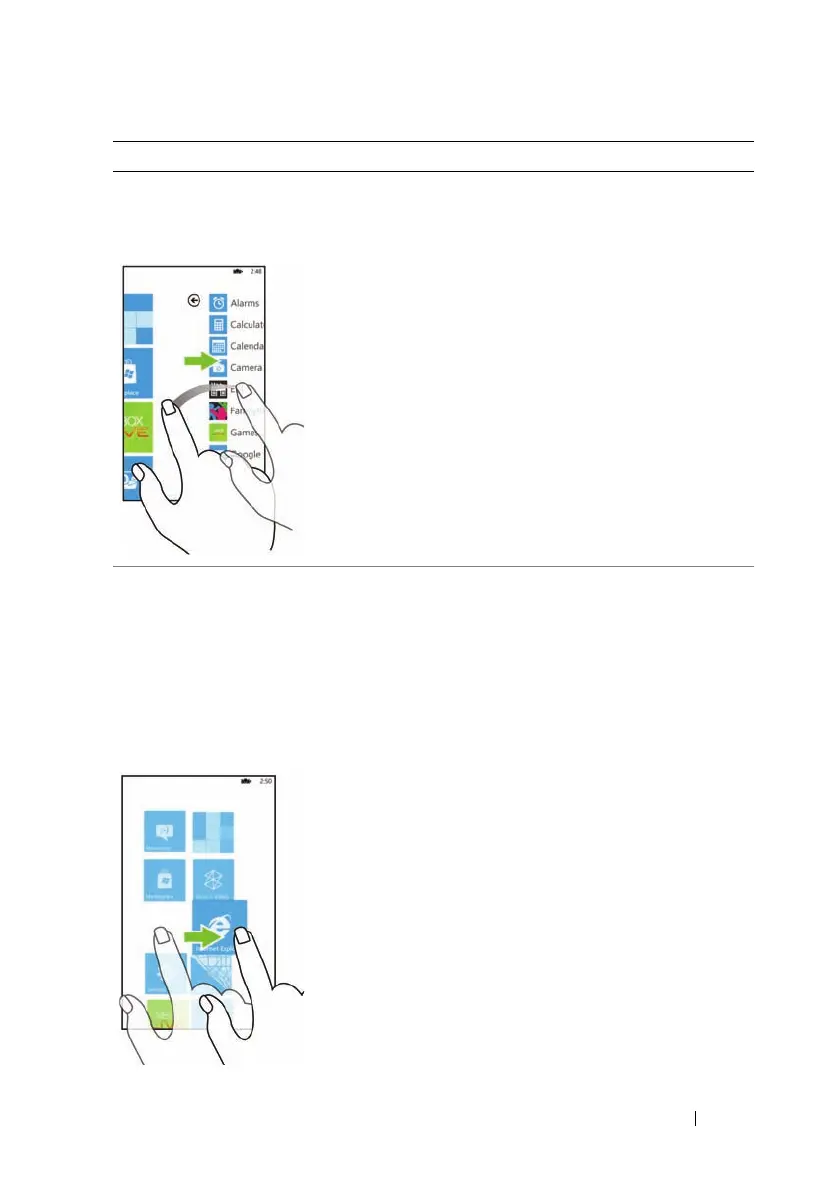
Flick or swipe
Move your finger in a vertical or
horizontal direction on the screen.
Quickly scroll through different
screens of content: the Start screen,
Application list, web pages, lists,
entries, photos, and so on.
Pan or drag
1 Touch a desired area on the screen.
2 Without lifting your finger, move
your fingertip slowly to another
area in a horizontal, vertical, or
another specified direction. The
pan action ends when you lift your
finger.
Move items such as images and icons
from one location to another location
on the screen.
Touch Gestures Allows you to:



 To Next Page