58 Internet
Browsing the Internet
To open the browser
Touch
Start
→
Internet Explorer.
To use the browser
NOTE: For information on the touch gestures used for viewing a web
page, see Touch Screen Gestures.
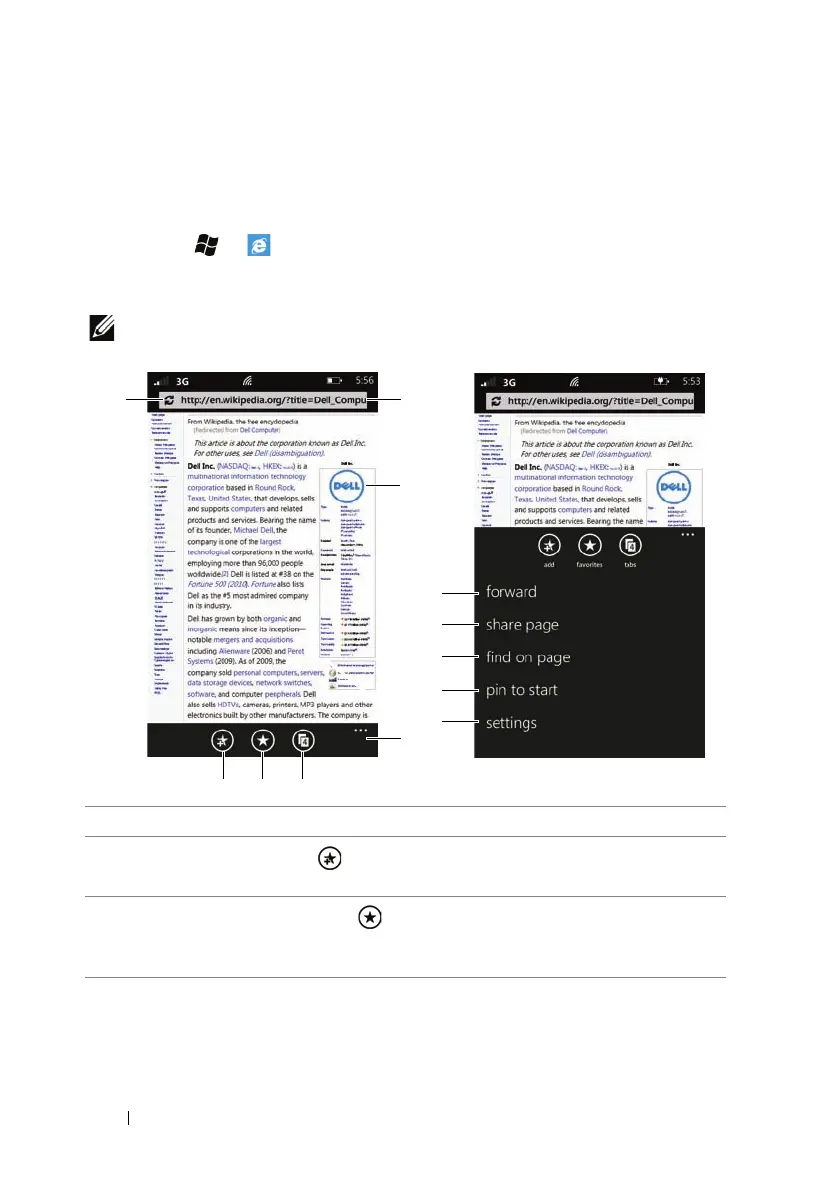
1 Touch to reload the current page.
2
Touch the add button to add the current web page to your favorites
list.
3
Touch the favorites button , and flick to view your favorites list or the
history of last visited web pages. Touch a web page link to open the web
page.



 To Next Page