20 Getting to Know Your Dell™ Lightning
Touch Screen Gestures
Your phone has a multi-touch screen for you to navigate and control
the phone using the following touch gestures.
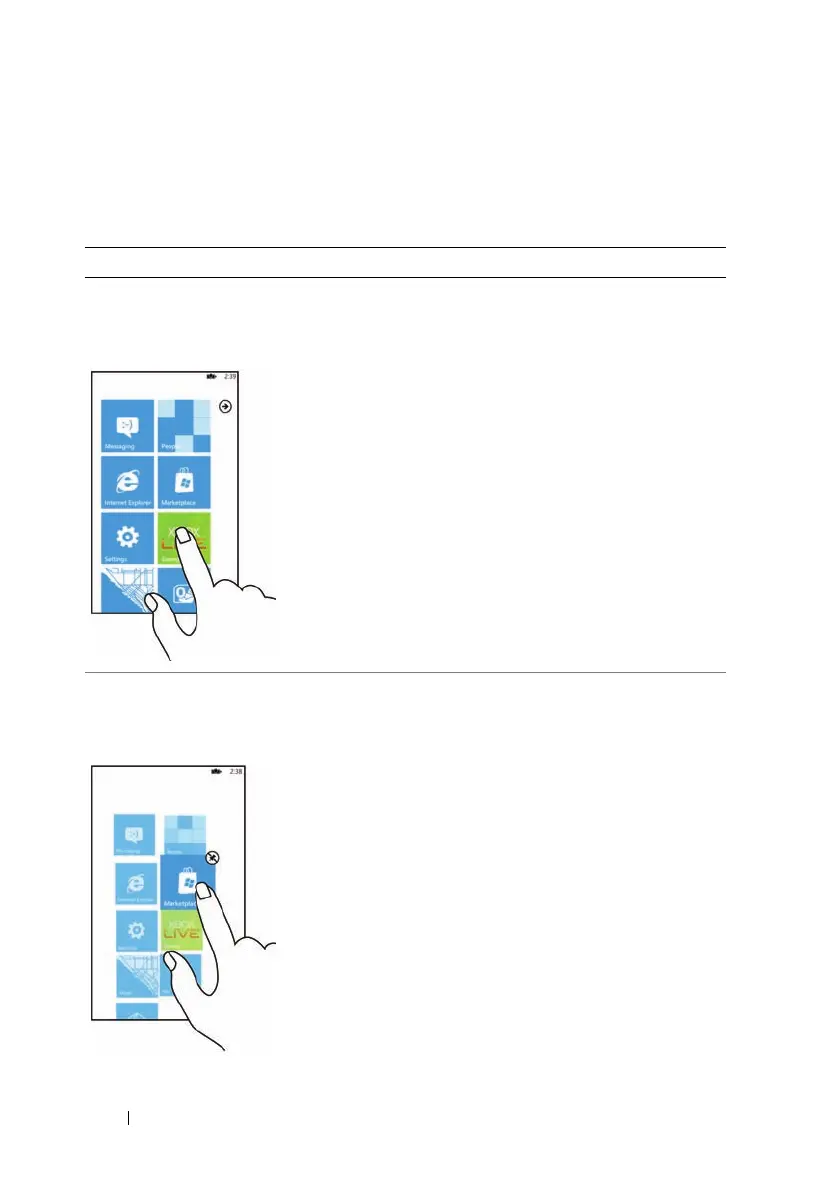
Touch Gestures Allows you to:
Touch
Touch gently on the screen with your
fingertip.
• Select screen items including
buttons, icons, images, entries, and
options.
• Start applications.
• Input text using the on-screen
keyboard or numeric keypad.
• Stop any type of screen content
from moving, for example the
Application list or a web page.
Touch and hold
Touch and hold your finger on the
screen.
• Make an item movable on the Start
screen.
• Display the context menu or
options page for an item.



 To Next Page