34 Getting to Know Your Dell™ Lightning
Text Box
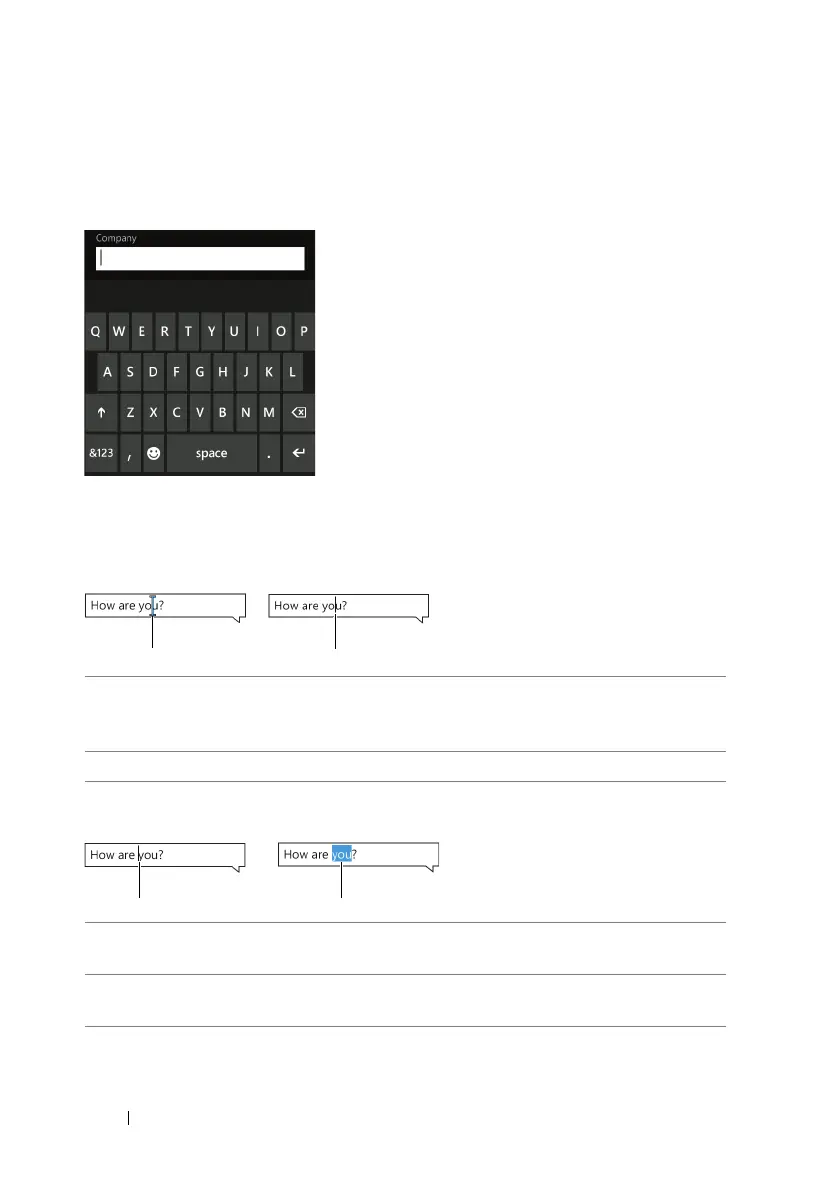
Allows you to type or edit text into your phone. Touch the text box to
activate the on-screen keyboard and to type the text.
Using the Cursor
To move the cursor between letters
To highlight a word or move the cursor between words
1 Touch and hold anywhere within the text box, until the cursor stands
out and turns blue. Without lifting your finger, drag the blue cursor to
another location in the text box.
2 Release the cursor in the desired location.
1 Touch the space where you want to place the cursor. The cursor then
moves to that space.
2 Touch a word you want to highlight. The cursor becomes a color
marker to highlight the word.



 To Next Page