10 Connecting Your Projector
2
Connecting Your Projector
CAUTION: Before you begin any of the procedures in this section, follow the
Safety Instructions as described on page 8.
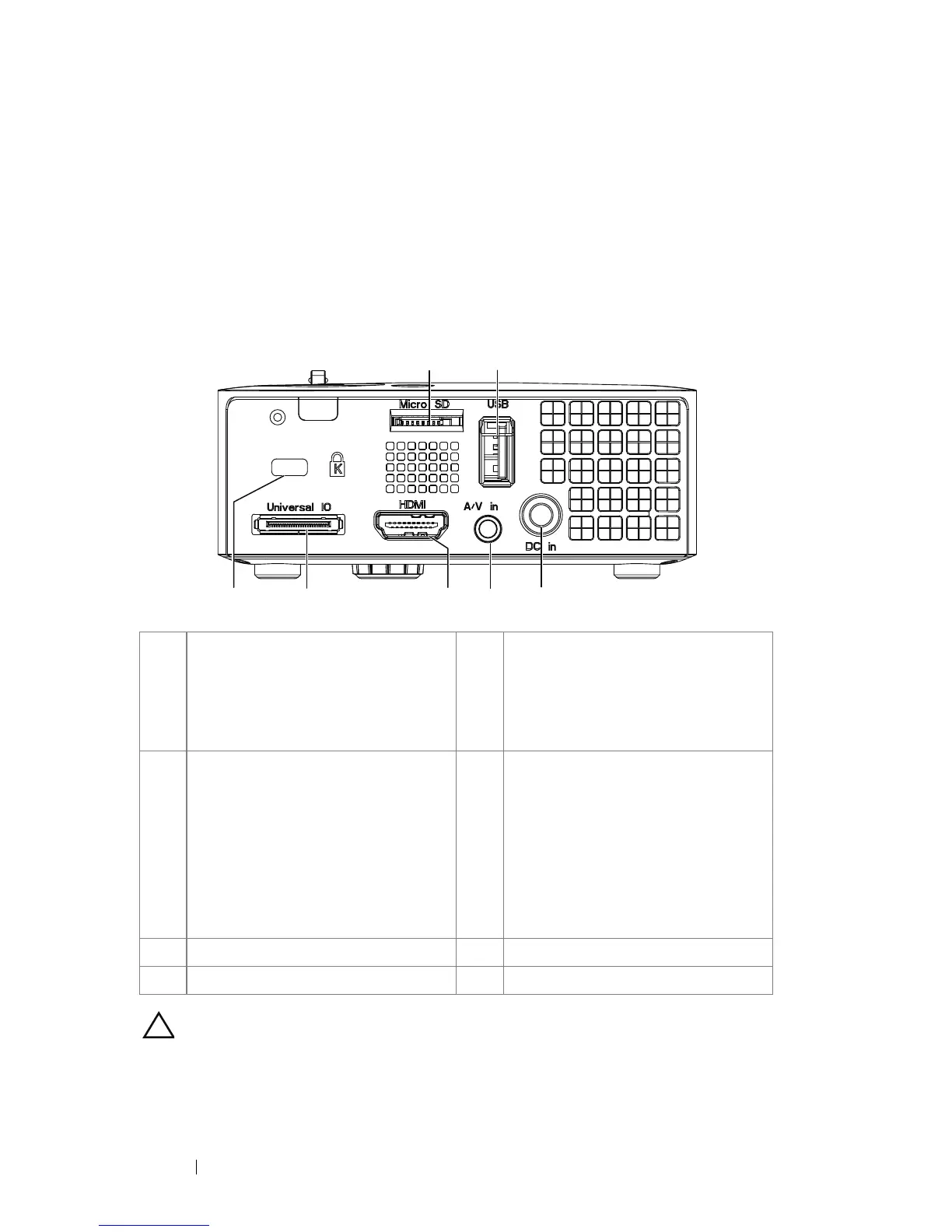
1 MicroSD card slot for multi-
media playback
(Video/Audio/Photo) and
supporting media and image
processor firmware upgrade
5 HDMI connector
2 USB Type A connector for USB
display, multi-media playback
(Video/Audio/Photo), USB
memory storage access (USB flash
drive/internal memory), projector
firmware upgrade, and supporting
optional wireless dongle and
mobishow
6 Universal I/O connector for VGA
input and Audio output
3 DC input connector 7 Security cable slot
4 Audio/Video input connector
34567
12



 To Next Page