Using Your Projector 31
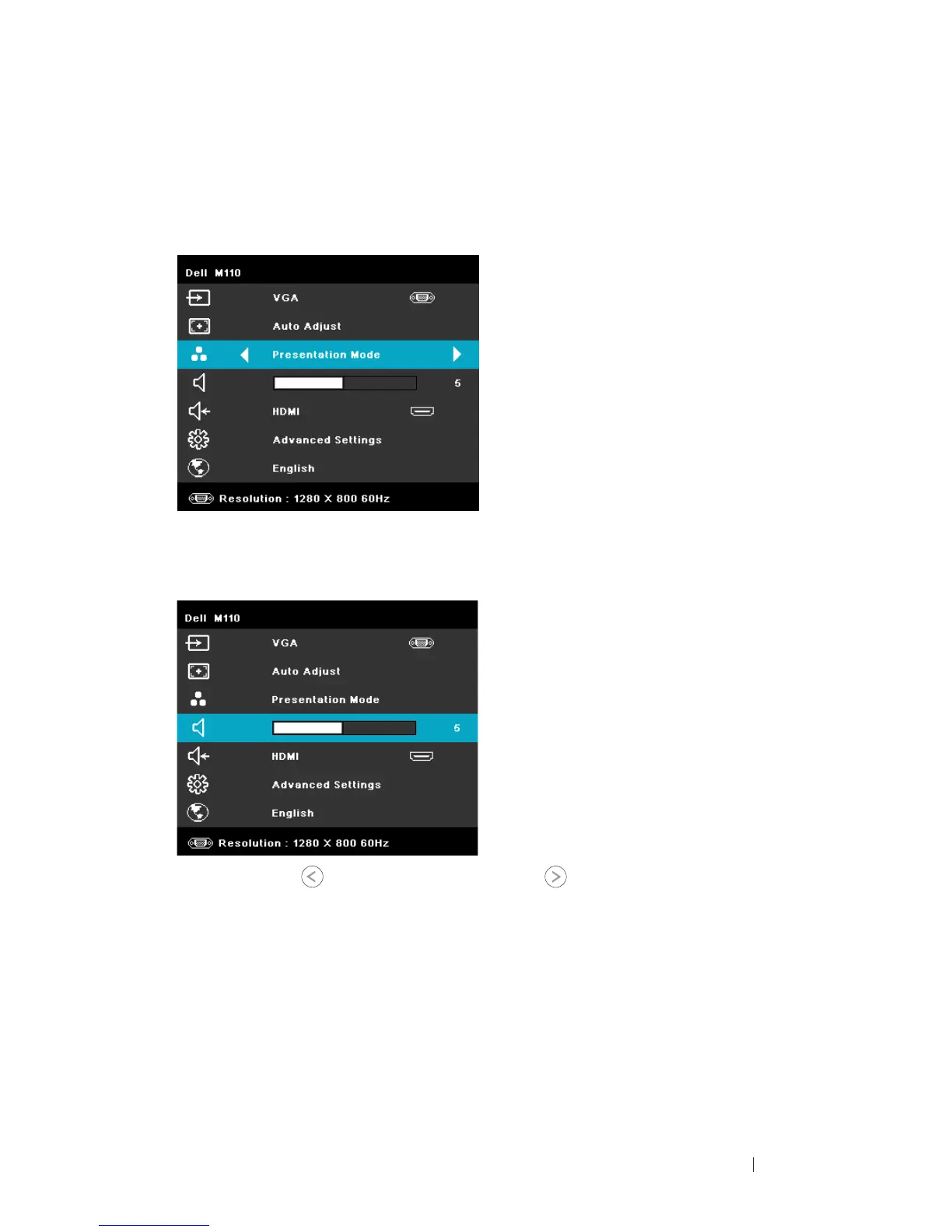
VIDEO MODE
The Video Mode menu allows you to optimize the display image. The options are:
Presentation, Bright, Movie, sRGB (provides more accurate color representation),
and Custom (set your preferred settings) mode.
VOLUME
The Volume menu allows you adjust the volume setting of your projector.
VOLUME—Press
to decrease the volume and to increase the volume.
AUDIO INPUT
The Audio Input menu allows you to select your audio input source. The options
are: Auto Source, Multimedia, A/V In, and HDMI.



 To Next Page