50 Using Your Projector
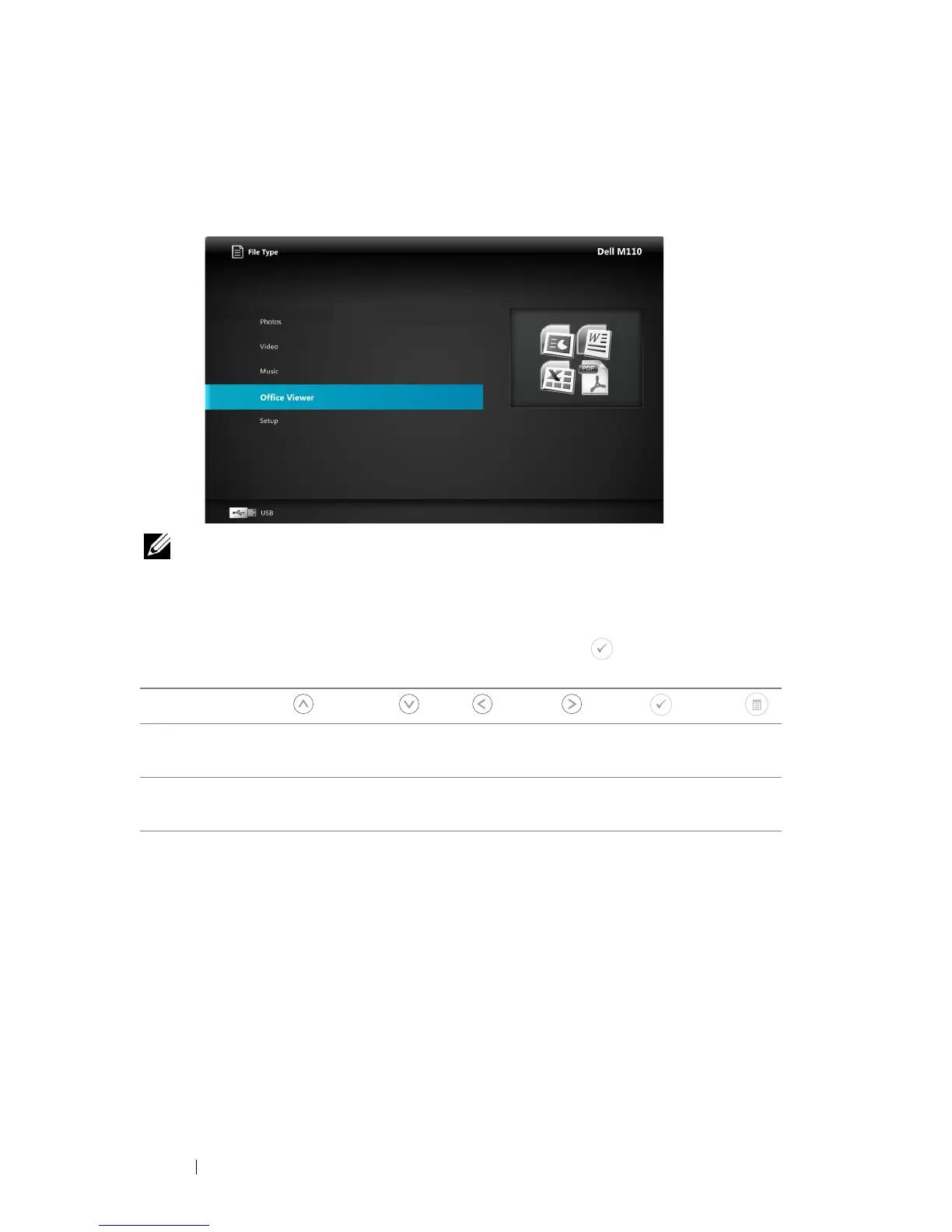
Office Viewer for the USB, Micro SD, and Internal Memory
The Office Viewer feature allows you to use MS Excel, MS Word, and MS
PowerPoint files.
NOTE: A microSD card must be plugged into the projector if you want to use
the multimedia microSD function.
Buttons Introduction
Use the up, down, left, and right buttons for navigation and button on your
projector's control panel or remote control to select.
Button Up Down Left Right Enter Menu
No sub-menu Up Down Left Right
Fit Page /
Fit Width
Operating
Menu
Pop up sub-
menu
Page Up Page Down Zoom In Zoom Out Rotate
Quit Office
Viewer



 To Next Page