32 Using Your Projector
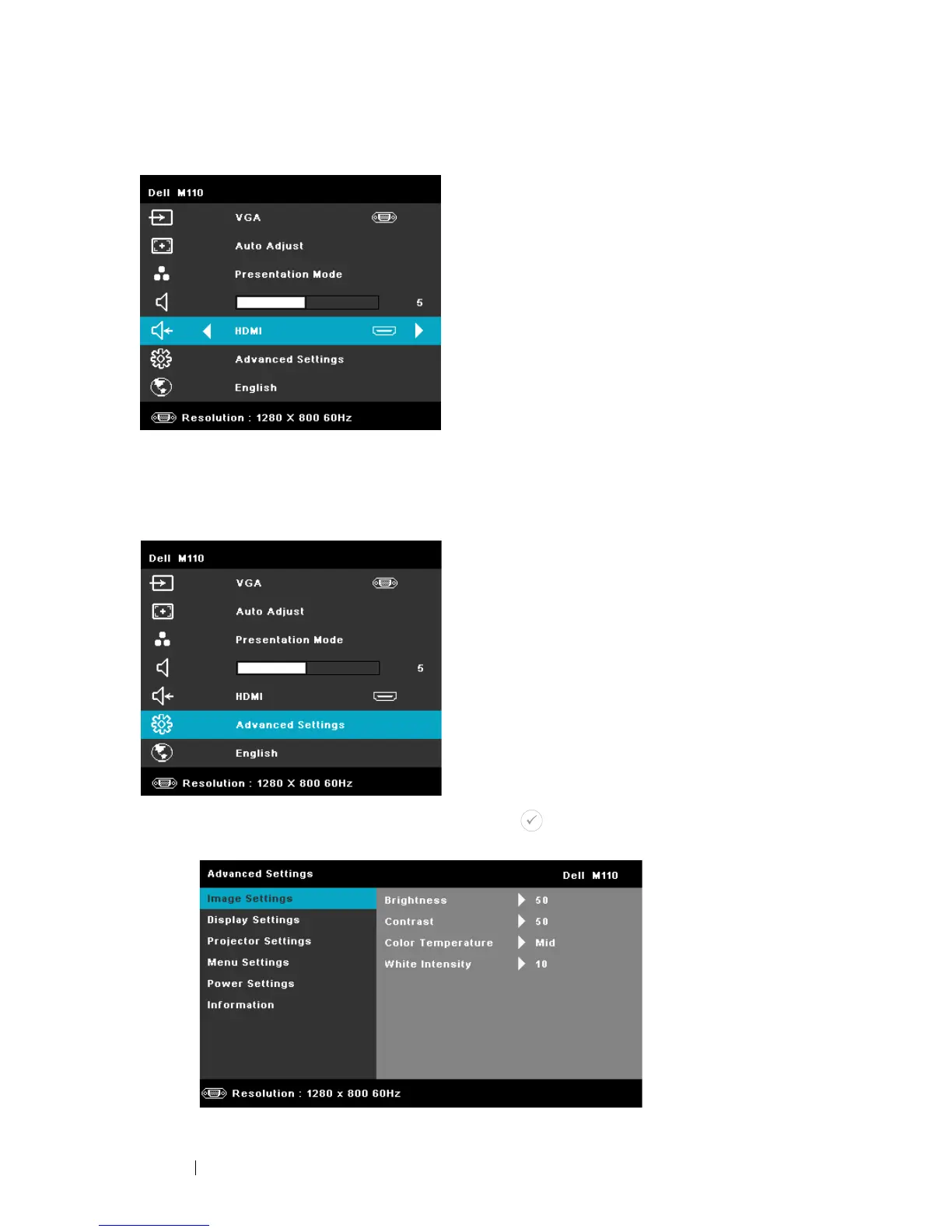
ADVANCED SETTINGS
The Advanced Settings menu allows you to change settings for Image, Display,
Projector, Menu, Power, and Information.
IMAGE SETTINGS (IN PC MODE)—Select and press to activate image settings.
The image settings menu provides the following options:



 To Next Page