Using Your Projector 37
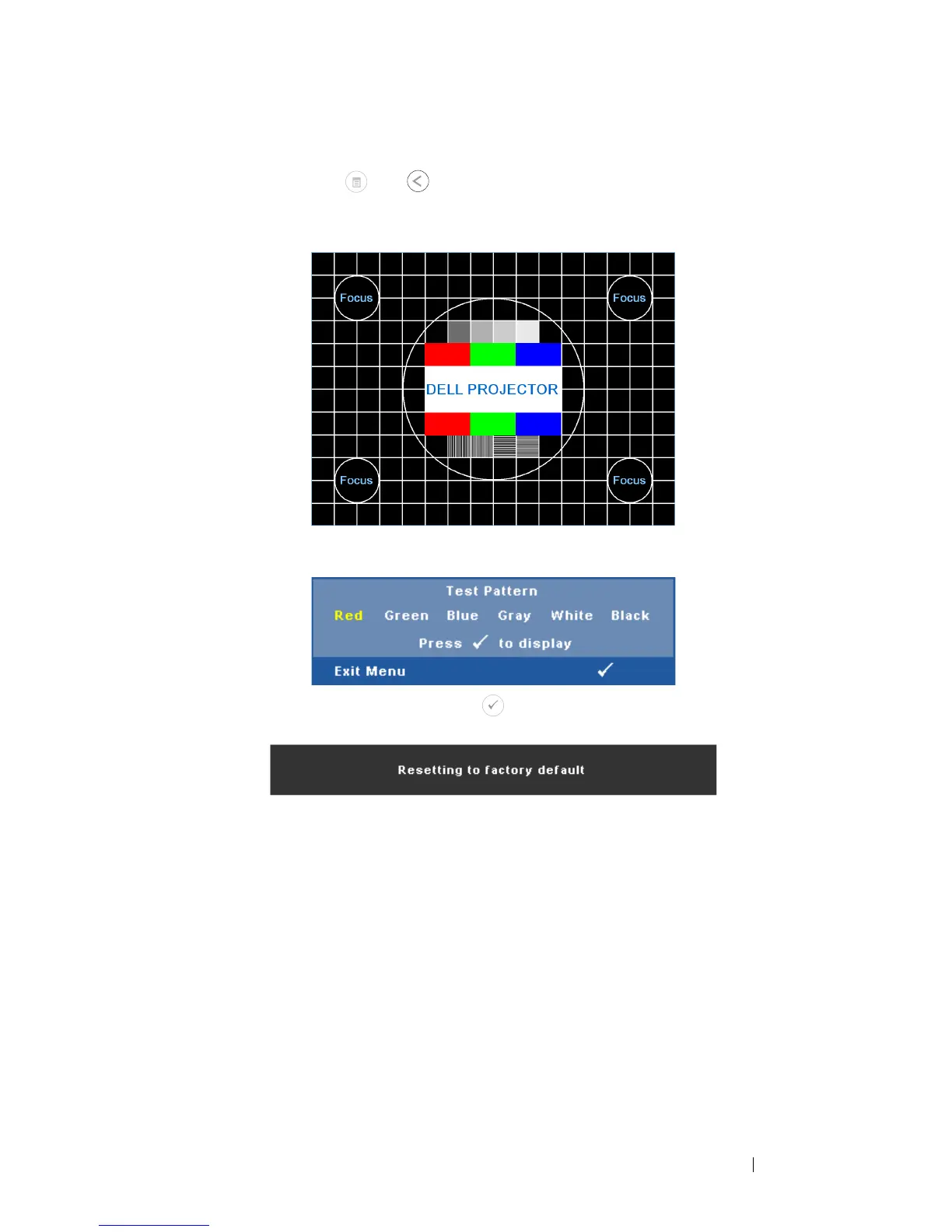
seconds. You can also invoke the test pattern 2 by pressing and
holding down and buttons on the control panel
simultaneously for 2 seconds.
FACTORY RESET—
Select and press to reset all settings to its factory
default. The below warning message appears:
Reset items include both computer sources and Video source
settings.
Test Pattern 2:
Test Pattern 1:



 To Next Page