Using Your Projector 45
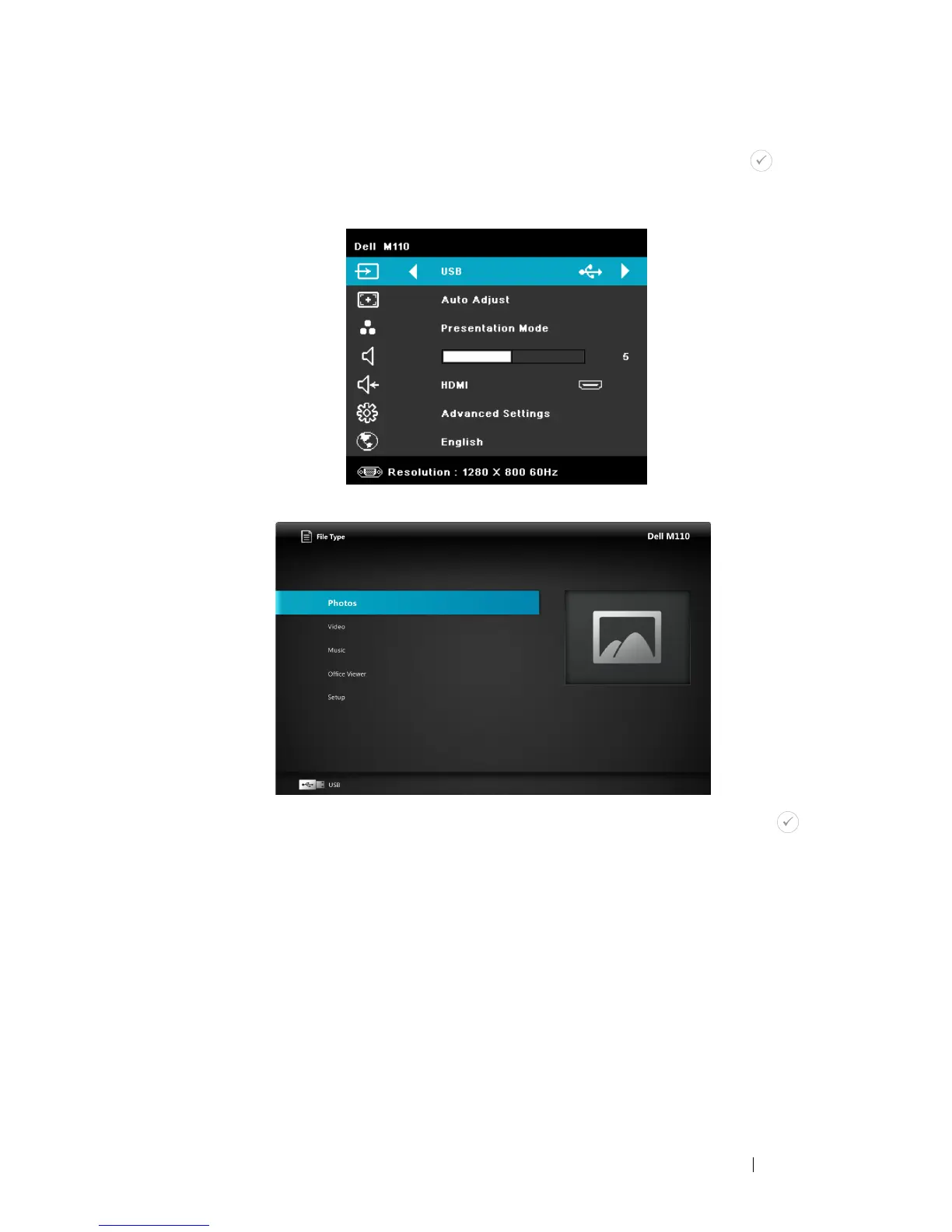
3 Access the Input Source menu, select the USB option and press the
button. The image input source will automatically switch to Multimedia
Menu when USB option is selected in this step.
The
USB Screen
shown below appears:
4 Select the multi-media files: Photo, Video, or Music, and then press the
to start playing. Or select the SETUP option to change settings for Photo,
Video, or Music. See "Multi-Media Setup" on page 51.



 To Next Page