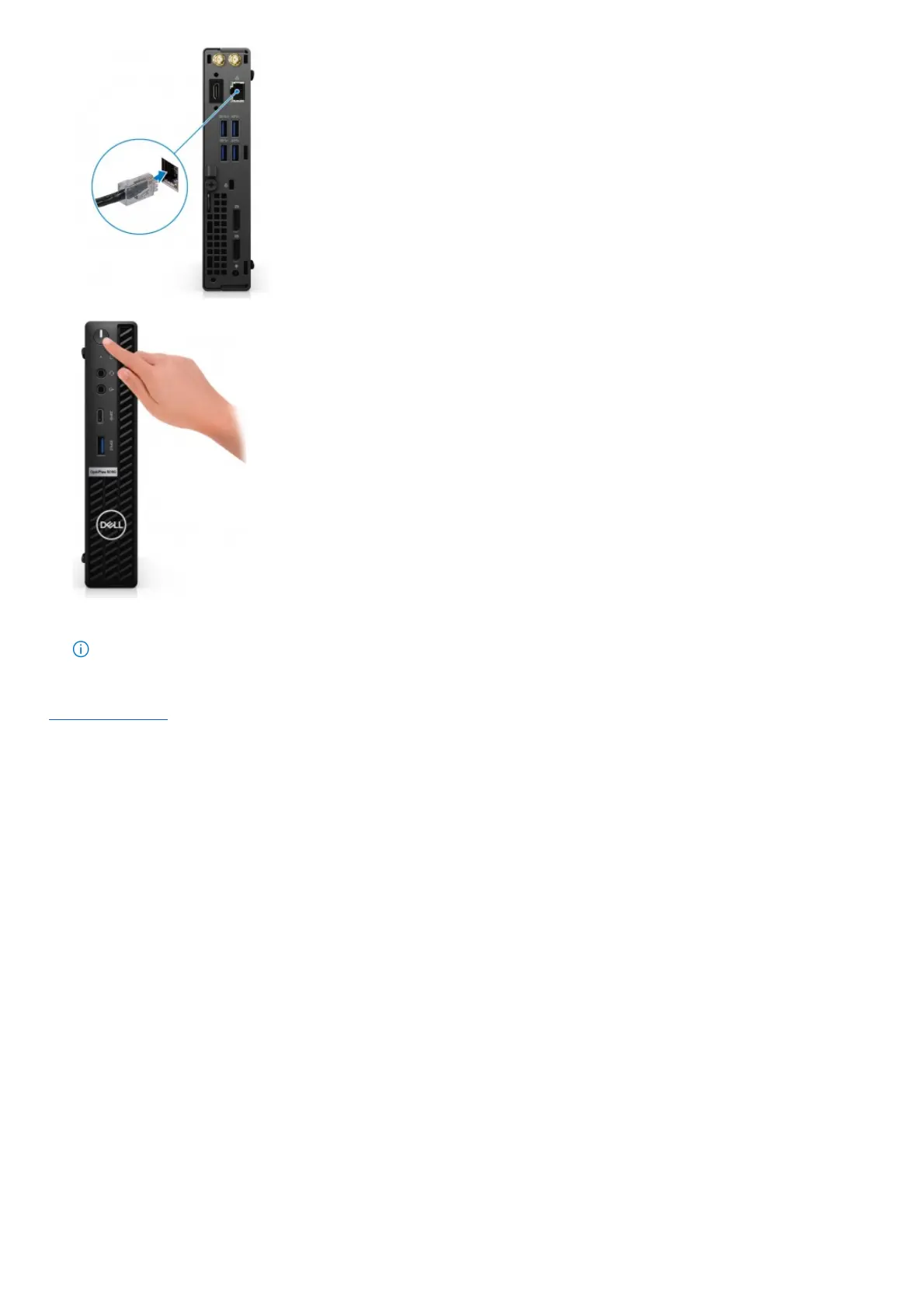
5. Press the power button.
6. Finish Windows setup.
Follow the on-screen instructions to complete the setup. When setting up, Dell Technologies recommends:
● Connect to a network for Windows updates.
NOTE: If connecting to a secured wireless network, enter the password for the wireless network access when prompted.
● If connected to the internet, sign-in with or create a Microsoft account. If not connected to the internet, create an offline account.
● On the Support and Protection screen, enter your contact details.
7. Locate and use Dell apps from the Windows Start menu—Recommended
Table 1. Locate Dell apps










 To Next Page