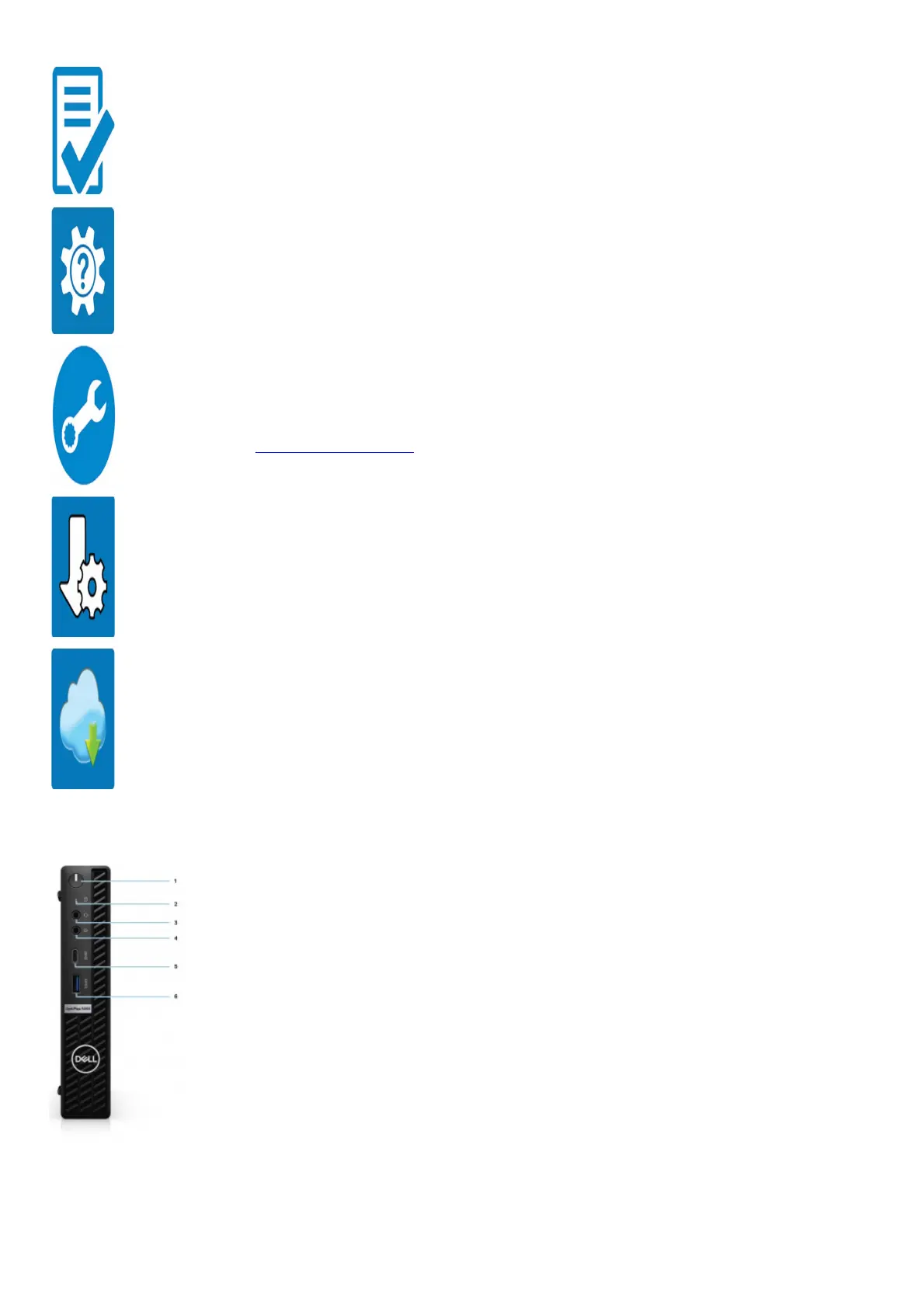
Dell apps Details
Dell Product Registration
Register your computer with Dell.
Dell Help & Support
Access help and support for your computer.
SupportAssist
SupportAssist is the smart technology that keeps your computer running at its best by optimizing settings, detecting issues, removing viruses and
notifies when you must make system updates. SupportAssist proactively checks the health of your system’s hardware and software. When an
issue is detected, the necessary system state information is sent to Dell to begin troubleshooting.
SupportAssist is preinstalled on most of the Dell devices running Windows operating system. For more information, see SupportAssist for
Business PCs User’s Guide on www.dell.com/serviceabilitytools.
Dell Update
Updates your computer with critical fixes and important device drivers as they become available.
Dell Digital Delivery
Download software applications including software that is purchased but not preinstalled on your computer.
Views of OptiPlex 5090 Tower
Front
1. Power button with diagnostic LED
2. Hard-disk activity light
3. Universal audio jack port
4. Re-tasking Line-in/Line out audio port
5. USB 3.2 Gen 2×1 Type-C port
6. USB 3.2 Gen 1 Type-A port with PowerShare
Back










 To Next Page