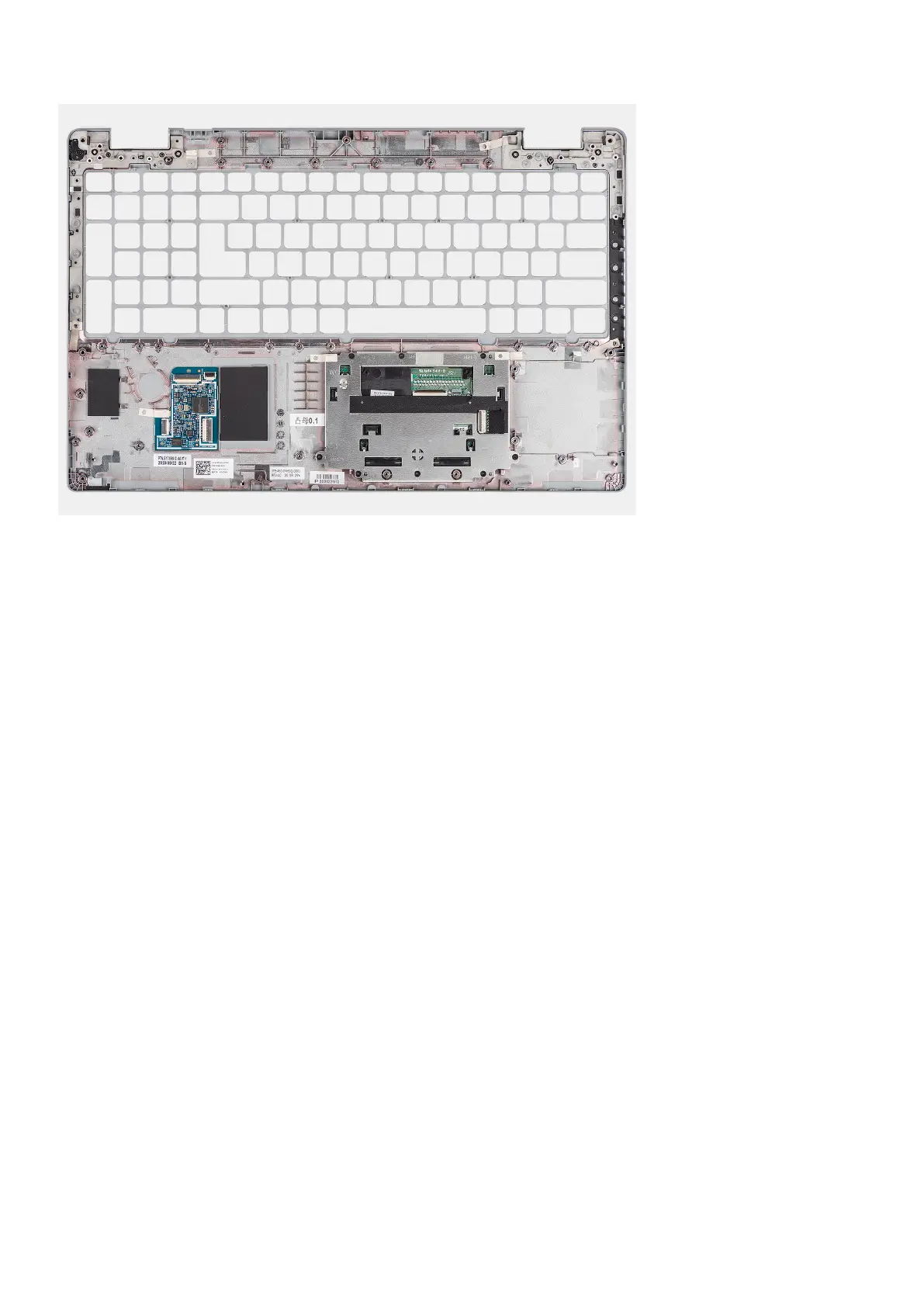
Steps
Place the palm-rest assembly on a flat surface.
Next steps
1. Install the dummy SIM-card slot filler (only for non-WWAN configuration).
2. Install the display assembly.
3. Install the keyboard assembly
4. Install the smart card reader.
5. Install the system board.
6. Install the battery.
7. Install the heat sink.
8. Install the system fan.
9. Install the assembly inner frame.
10. Install the WWAN card.
11. Install the WLAN card.
12. Install the base cover.
13. Install the microSD card.
14. Install the SIM card.
15. Follow the procedure in After working inside your computer.
Removing and installing components
95



 To Next Page