4. Remove the base cover.
5. Remove the WLAN card.
6. Remove the WWAN card.
7. Remove the assembly Inner frame.
8. Remove the system fan.
9. Remove the heat sink.
10. Remove the battery.
11. Remove the system board.
12. Remove the smart card reader.
13. Remove the keyboard assembly.
14. Remove the display assembly.
15. Remove the dummy SIM-card slot filler (only for non-WWAN configuration).
NOTE: For models with smart card reader configuration, the smart card reader is preinstalled in the replacement palm-rest
assembly.
About this task
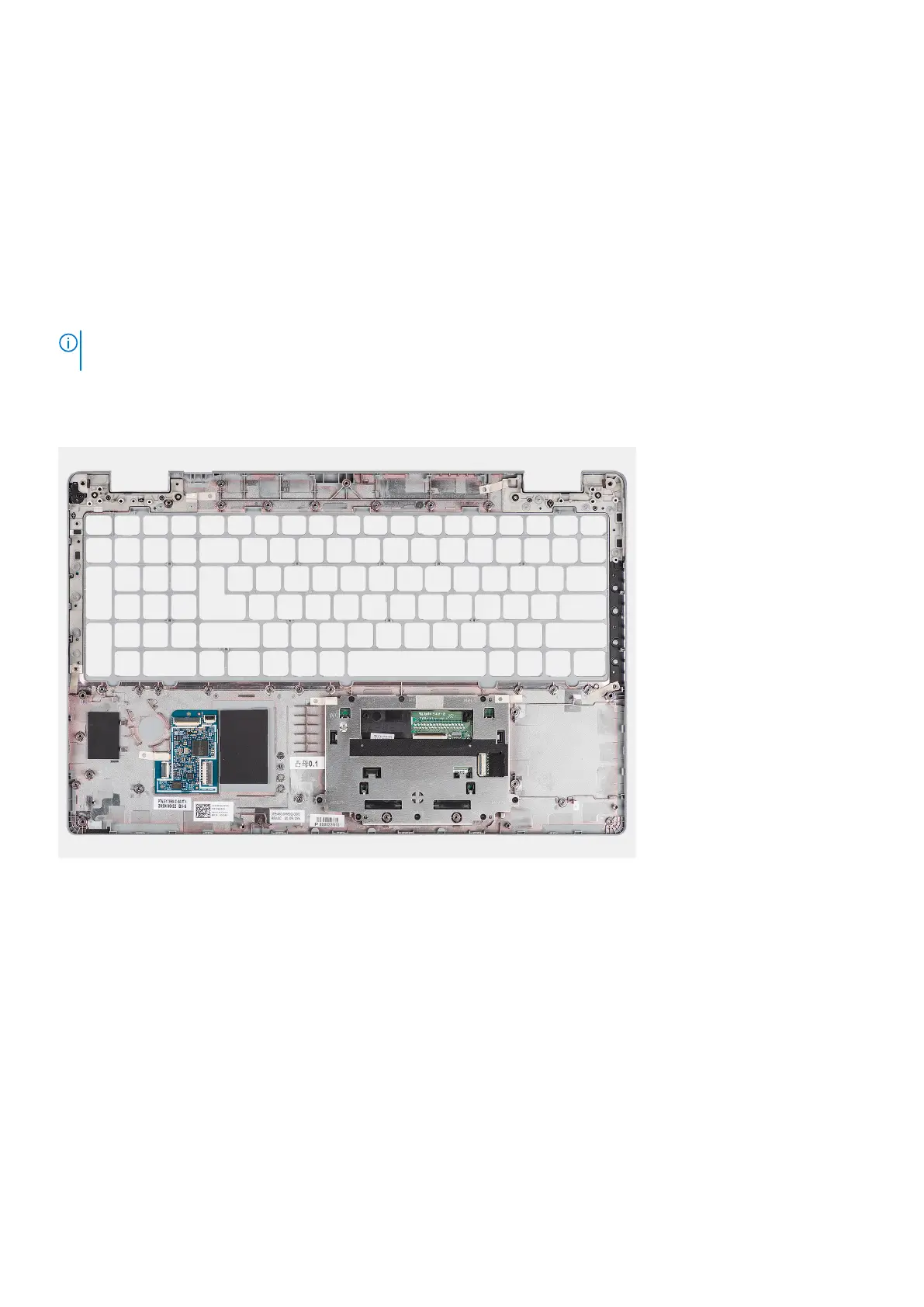
The following image indicates the palm-rest assembly and provides a visual representation of the removal procedure.
Steps
After performing the steps in the pre-requisites, we are left with the palm-rest assembly.
Installing the palm-rest assembly
Prerequisites
If you are replacing a component, remove the existing component before performing the installation procedure.
About this task
The following image indicates the palm-rest assembly and provides a visual representation of the installation procedure.
94
Removing and installing components



 To Next Page