4. Remove the 4G WWAN card or 5G WWAN card, as applicable.
5. Remove the WLAN card.
6. Remove the display assembly.
7. Remove the display bezel.
About this task
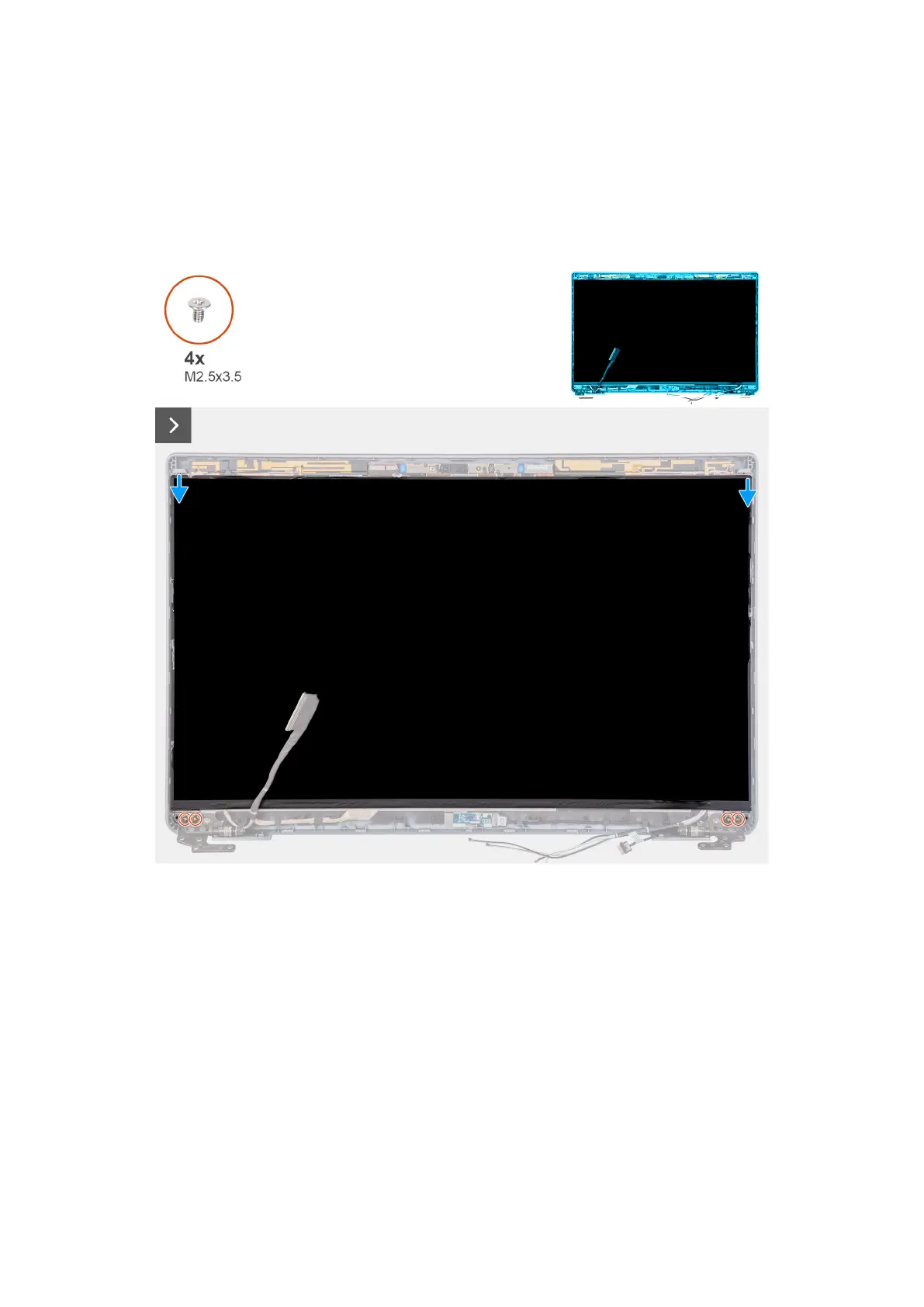
The following images indicate the location of the display panel and provide a visual representation of the removal procedure.
Removing and installing Field Replaceable Units (FRUs) 105



 To Next Page