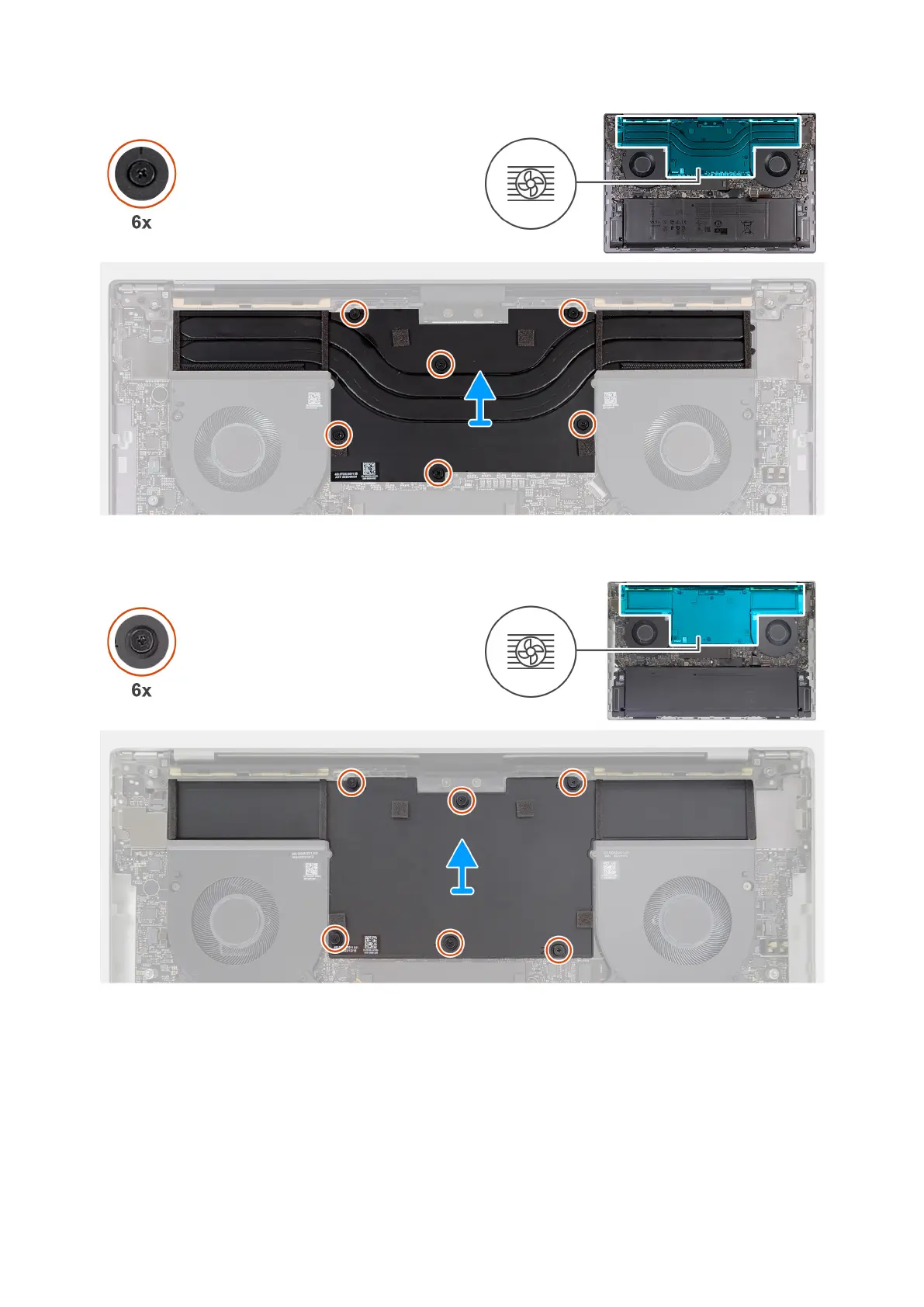
Figure 32. Removing the heat sink—Discrete GPU (non-Vapor Chamber)
Figure 33. Removing the heat sink—Discrete GPU (Vapor Chamber)
Steps
1. In reverse sequential order (6>5>4>3>2>1), loosen the six captive screws that secure the heat sink to the system board.
2. Lift the heat sink off the system board.
54
Removing and installing Field Replaceable Units (FRUs)



 To Next Page