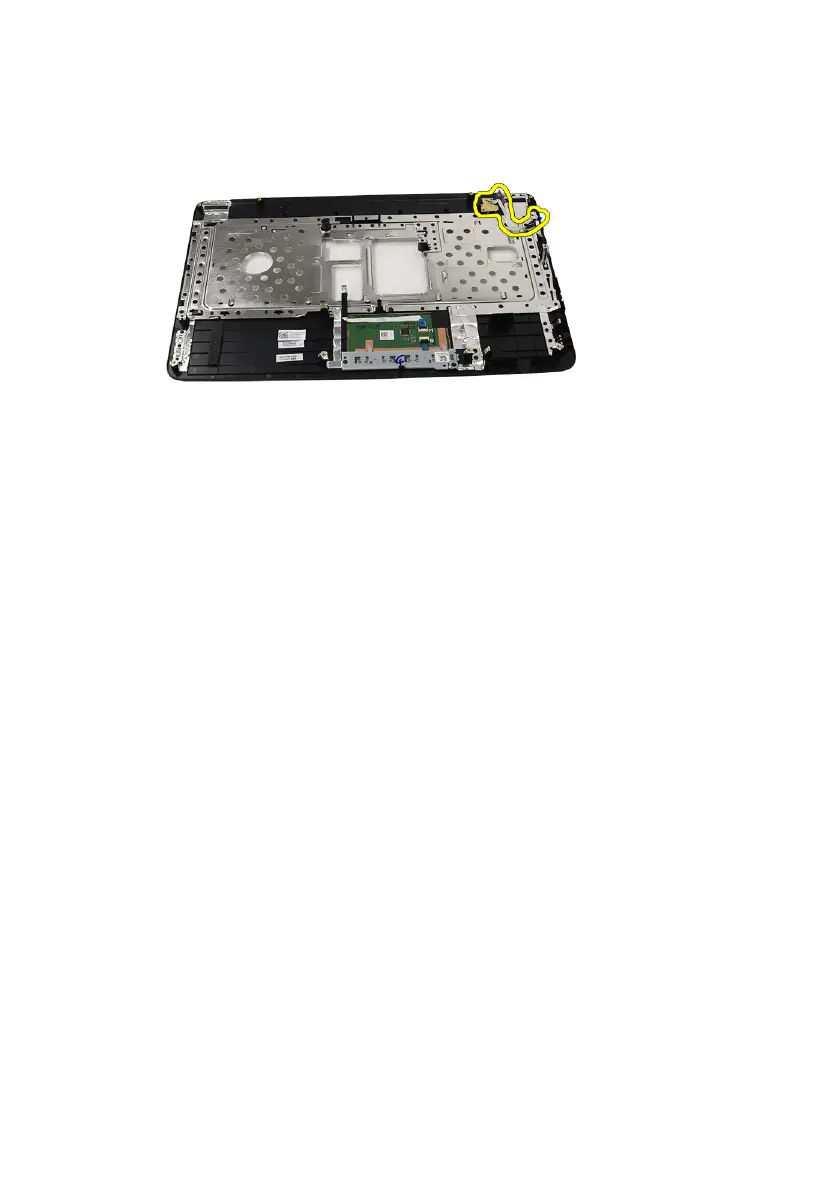
7. Lift up the power button board and release the power button board cable
through the opening.
Installing The Power Button Board
1. Insert the power button board cable through the opening.
2. Fix the power button board to its compartment.
3. Install the screw to secure the power button board.
4. Flip the computer around and attach the power button board cable to the
palm rest.
5. Install the
palm rest
.
6. Install the
keyboard
.
7. Install the
battery
.
8. Follow the procedures in
After Working Inside Your Computer
.
28



 To Next Page