Removing The Wireless Local Area
Network (WLAN) Card 11
1. Follow the procedures in
Before Working On Your Computer
.
2. Remove the
battery
.
3. Remove the
keyboard
.
4. Remove the
palm rest
.
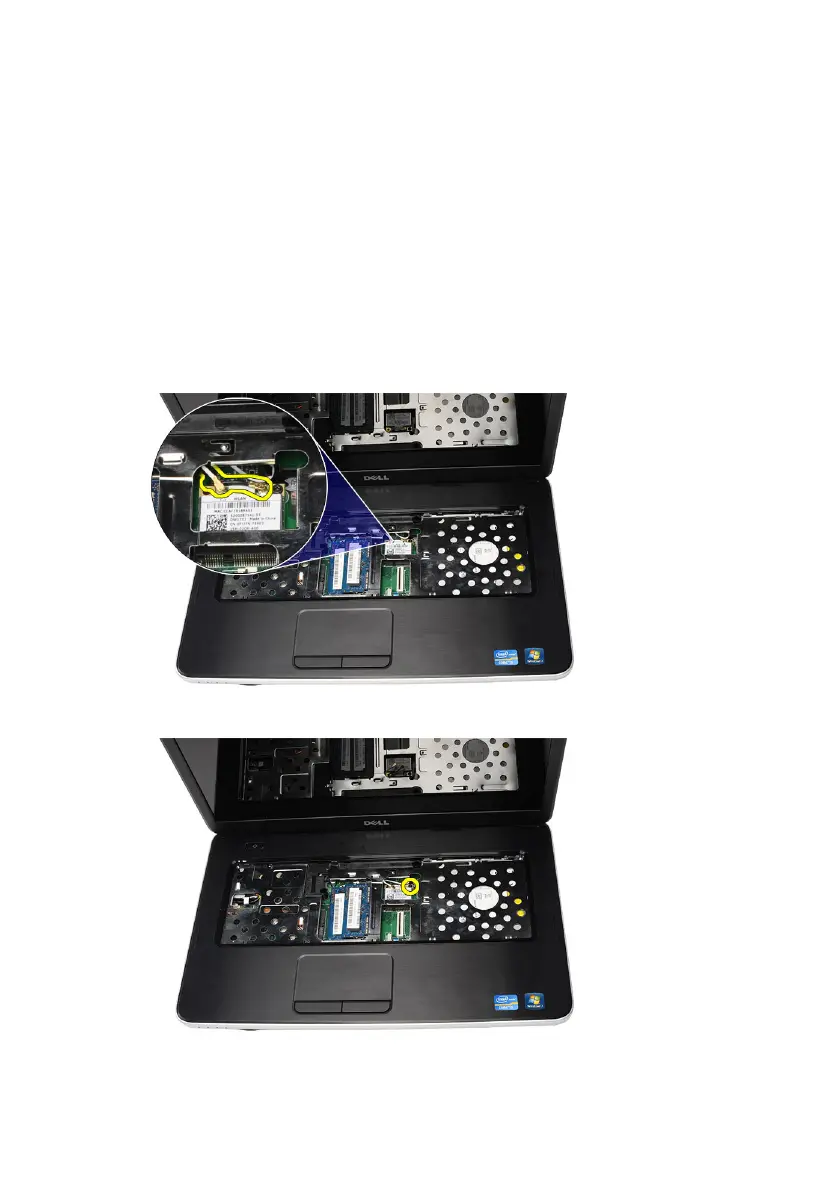
5. Disconnect any antennae connected to the WLAN card.
6. Pry the latch to release the WLAN card from its compartment.
7. Remove the WLAN card from the computer.
31



 To Next Page