Product Features
The P2210 flat panel display has an active matrix, thin-film transistor (TFT), liquid crystal display (LCD). The monitor features include:
■ 22-inch (558.68 mm) viewable area display (Measured diagonally).
■ 1680 x 1050 resolution, plus full-screen support for lower resolutions.
■ Wide viewing angle to allow viewing from a sitting or standing position, or while moving from side-to-side.
■ Tilt, swivel, vertical extension and rotate adjustment capability.
■ Removable pedestal and Video Electronics Standards Association (VESA) 100 mm mounting holes for flexible mounting solutions.
■ Plug and play capability if supported by your system.
■ Retractable label card allows convenient access to monitor serial number for technical support and easily hidden away providing label-free clean look.
■ On-Screen Display (OSD) adjustments for ease of set-up and screen optimization.
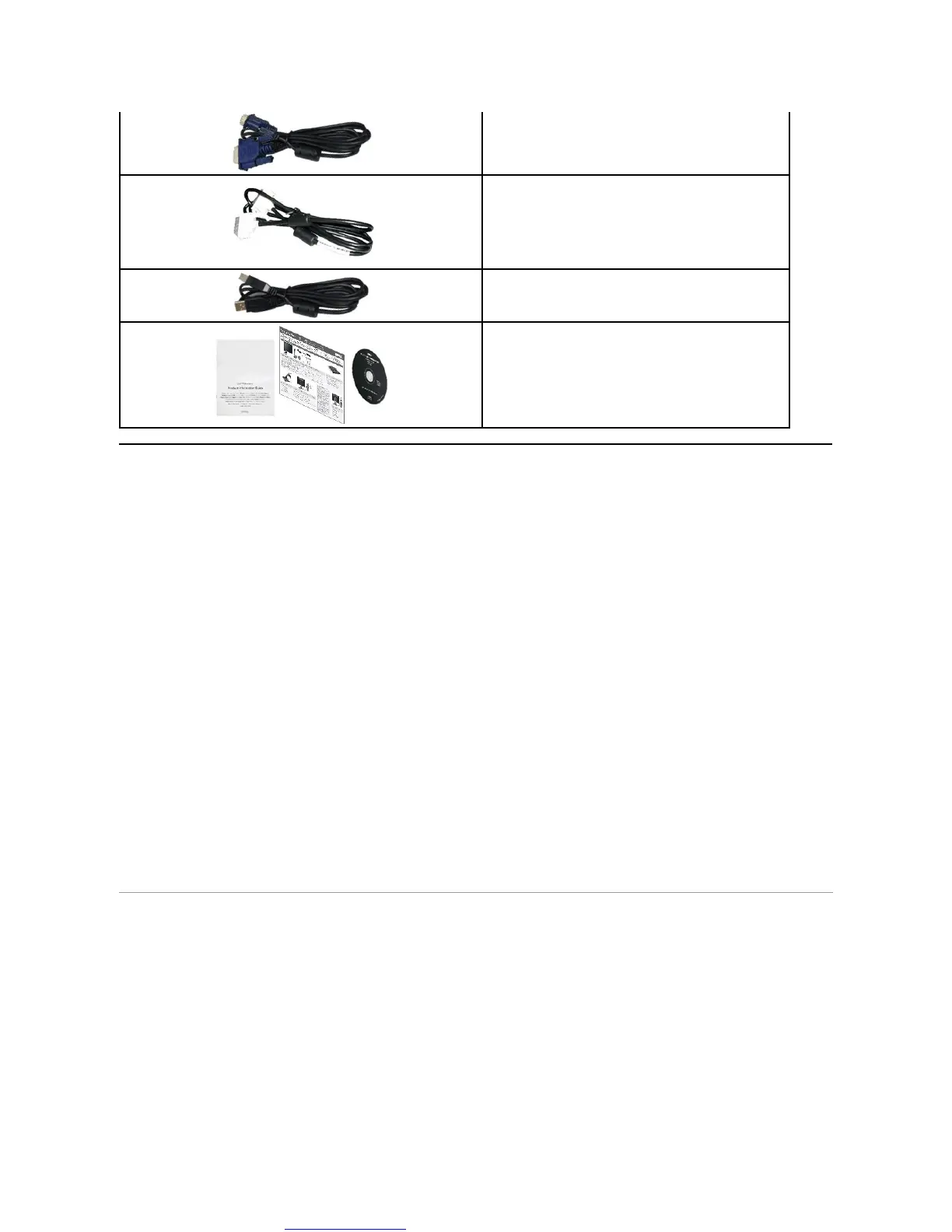
■ Software and documentation media includes an information file (INF), Image color Matching File (ICM), and product documentation.
■ Energy Saver feature for Energy Star compliance.
■ Security lock slot.
■ Asset Management Capability.
■ Capability to switch from wide aspect to standard aspect ratio while maintaining the image quality.
■ EPEAT Gold Rating.
■ Halogen Reduced.
Identifying Parts and Controls
Front View



 To Next Page