EasyManua.ls Logo

Dell P2210 - Pin Assignments; VGA Connector; DVI Connector

Dell P2210
32 pages
Print Icon
To Next Page IconTo Next Page
To Previous Page IconTo Previous Page
Loading...
Great user manuals database on UserManuals.info
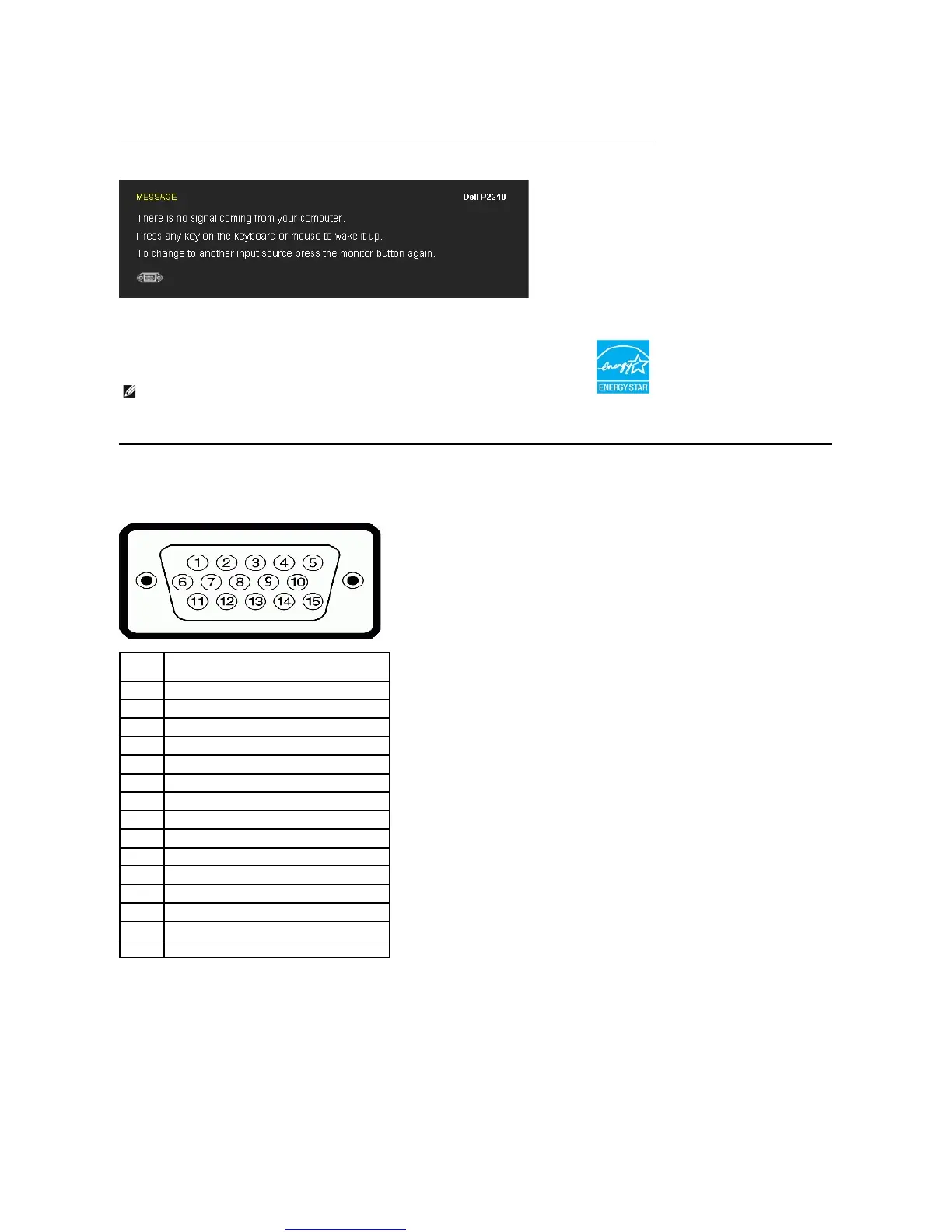
The OSD will only function in the normal operation mode. When any button is pressed in Active-off mode, one of the following messages will be displayed:
Activate the computer and the monitor to gain access to the OSD.
* Zero power consumption in OFF mode can only be achieved by disconnecting the main cable from the monitor.
Pin Assignments
VGA Connector
DVIConnector
operation
Active-off mode
Inactive
Inactive
Blanked
Amber
Less than 0.3 W
Switch off
-
-
-
Off
Less than 0.3 W
NOTE: This monitor is ENERGY STAR
®
-compliant as well as TCO '03 power management compatible.
Pin
Number
15-pin Side of the Connected Signal Cable
1
Video-Red
2
Video-Green
3
Video-Blue
4
GND
5
Self-test
6
GND-R
7
GND-G
8
GND-B
9
Computer 5V/3.3V
10
GND-sync
11
GND
12
DDC data
13
H-sync
14
V-sync
15
DDC clock

Other manuals for Dell P2210

Related product manuals