Operating your monitor │ 41
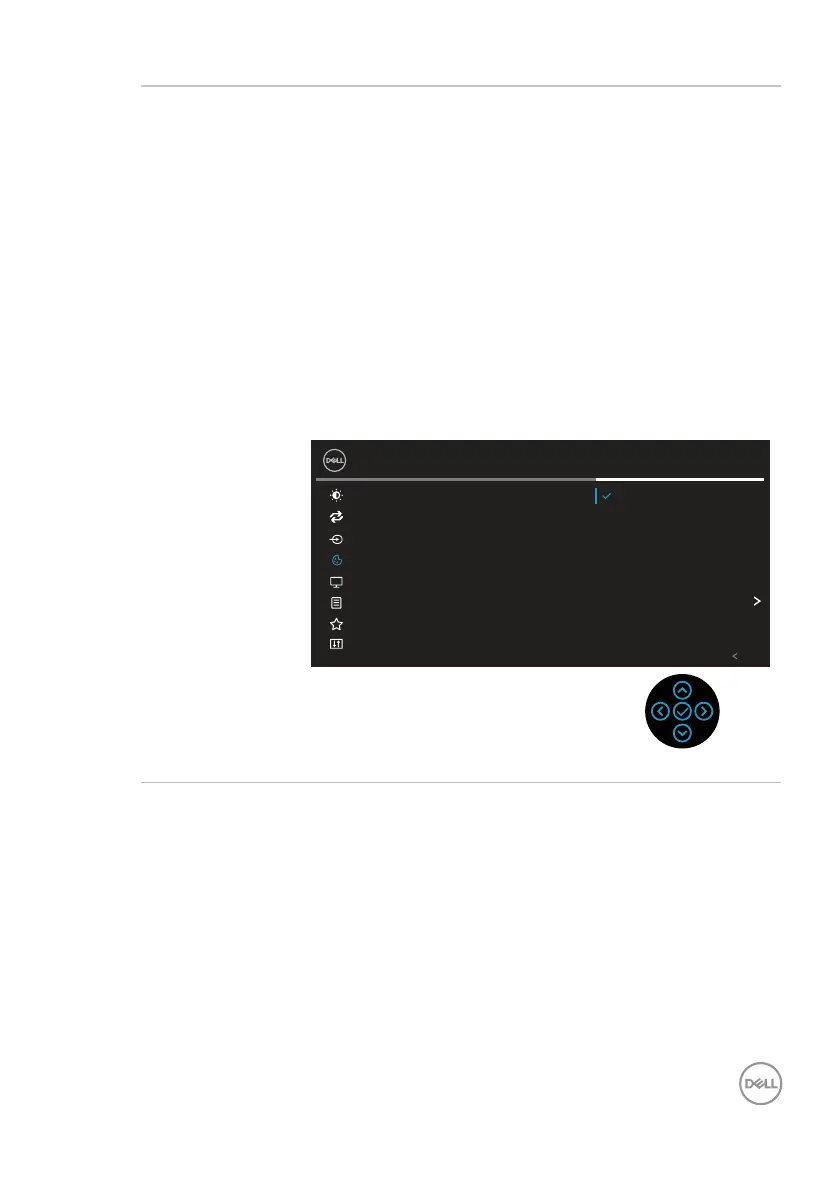
Preset Modes Allows you to choose from a list of preset color modes.
• Standard: Loads the monitor's default color settings.
This is the default preset mode.
• Movie: Loads color settings ideal for movies.
• Game: Loads color settings ideal for most gaming
applications.
• Warm: Increases the color temperature. The screen
appears warmer with a red/yellow tint.
• Cool: Decreases the color temperature. The screen
appears cooler with a blue tint.
• Custom Color: Allows you to manually adjust the
color settings. Move the joystick to adjust the R/G/B
color values and create your own preset color mode.
Brightness/Contrast
Input Source
Auto Adjust
24 Monitor
Color
Display
Menu
Personalize
Others
Exit
Preset Modes
Reset Color
Input Color Format
Standard
Movie
Game
Warm
Cool
Custom Color



 To Next Page